
Your data and privacy
Export your journal, delete your account, and see what Amy keeps and shares.
Find your account options
- Tap the gear at the top right to open Settings.
- Scroll to the bottom.
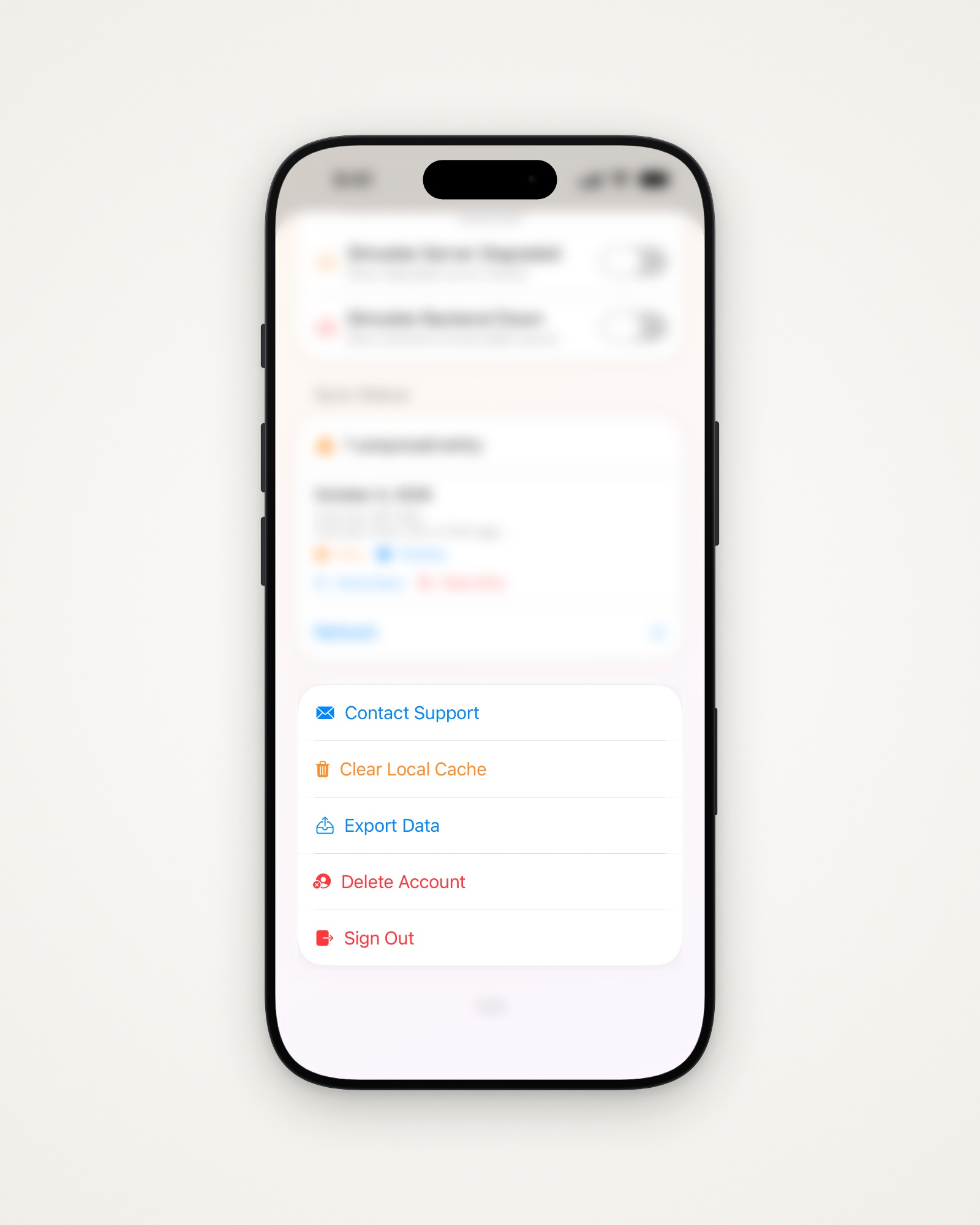
Export your data
Amy makes two spreadsheets (CSV): one of your food, one of your weigh-ins.
- Set up the Mail app on your iPhone, if you haven’t.
- Tap Export Data.
- Send yourself the email Amy opens, with both files attached.
Delete your account
This permanently deletes your journal, goals, settings and saved meals. It doesn’t cancel an App Store subscription, so cancel that first.
- Tap Delete Account.
- Type DELETE, or your password if you signed up with email.
- Tap Delete My Account. Your data is deleted or anonymized within 90 days.
Other options
- Contact Support opens an email to Chris, who makes Amy.
- Clear Local Cache removes this iPhone’s copy; your data downloads again.
- Sign Out keeps your data safe in the cloud for next time.
What Amy keeps and shares
From Amy’s privacy policy:
- Amy keeps your account, profile, food entries, photos, scans and location context.
- AI services get only what’s needed to work out your food’s nutrition.
- Apple Health data is shared only if you turn on sync.
- Your journal isn’t used to sell ads, and your personal information is never sold.
Tip: Use Location for Restaurants is off unless you turn it on; then Amy sends your location and nearby restaurants with each food it looks up.
Last updated