
Set your calorie and macro goals
Set your daily calories and macros, and see how your week went.
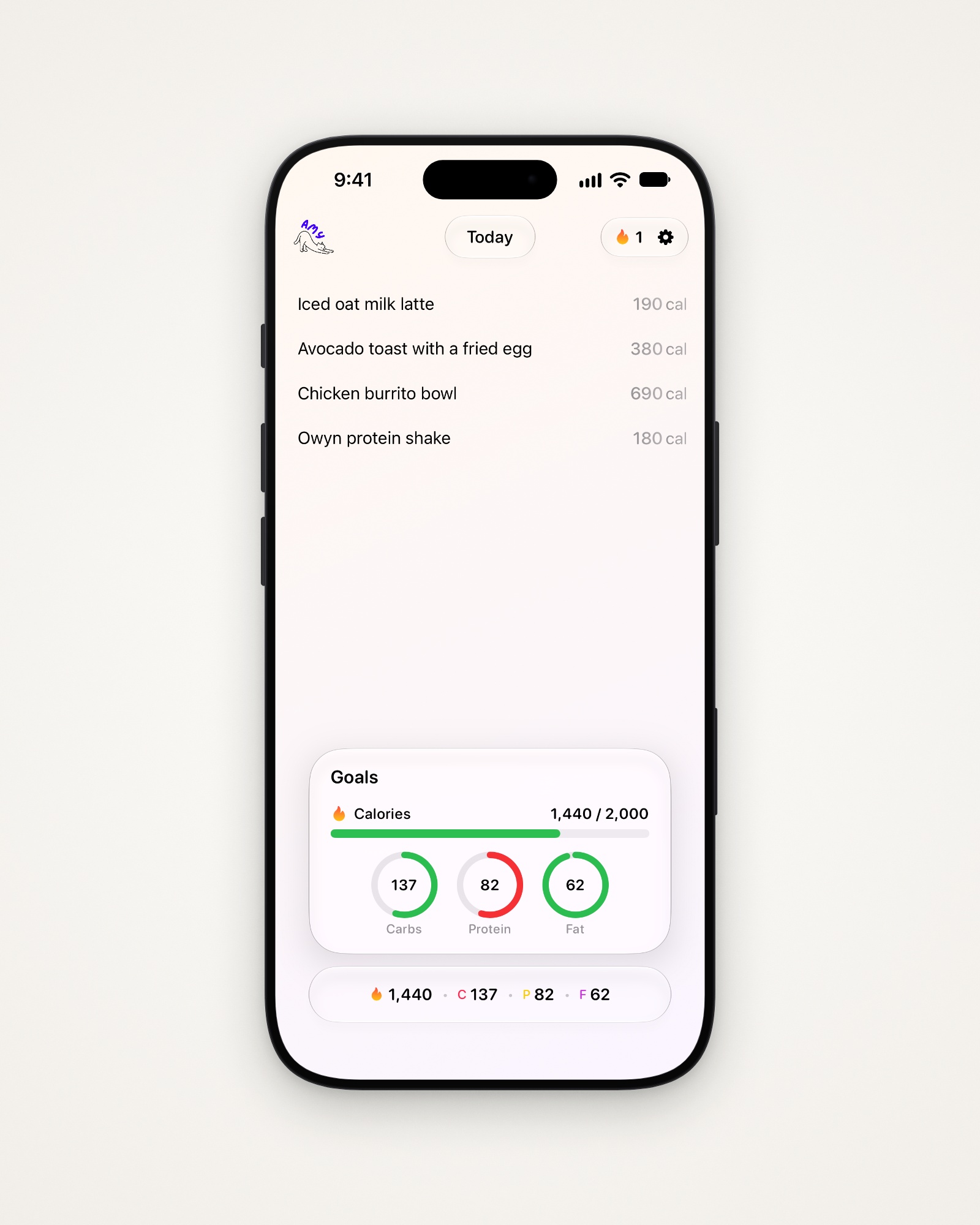
See today’s progress
Tap the bar at the bottom to open Goals.
- Calories turn yellow at 80% of your goal, and red at 100%.
- Protein is the reverse: it turns green once you hit it.
Set your weight goal
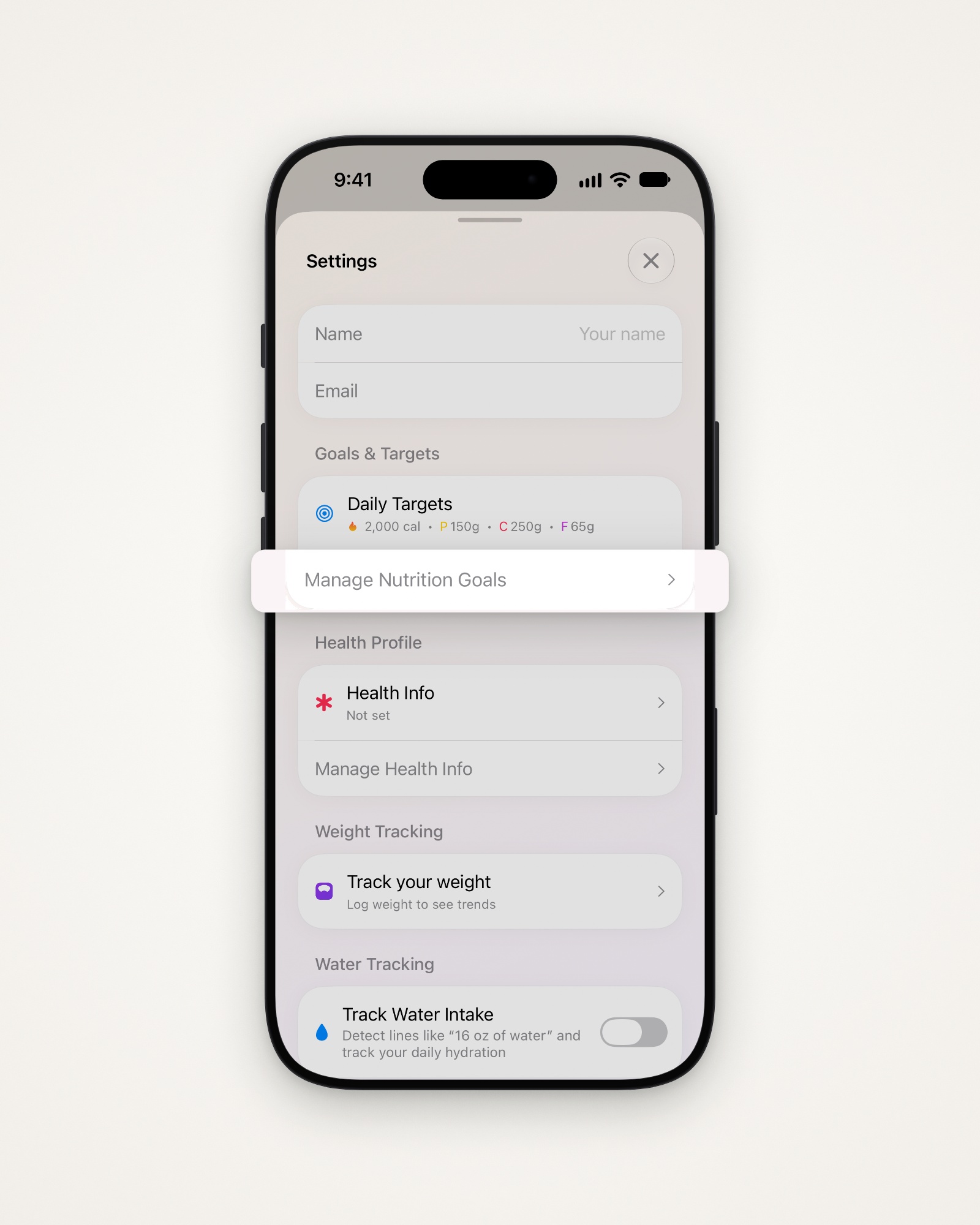
- Tap the gear at the top right to open Settings.
- Tap Manage Nutrition Goals under Goals & Targets.
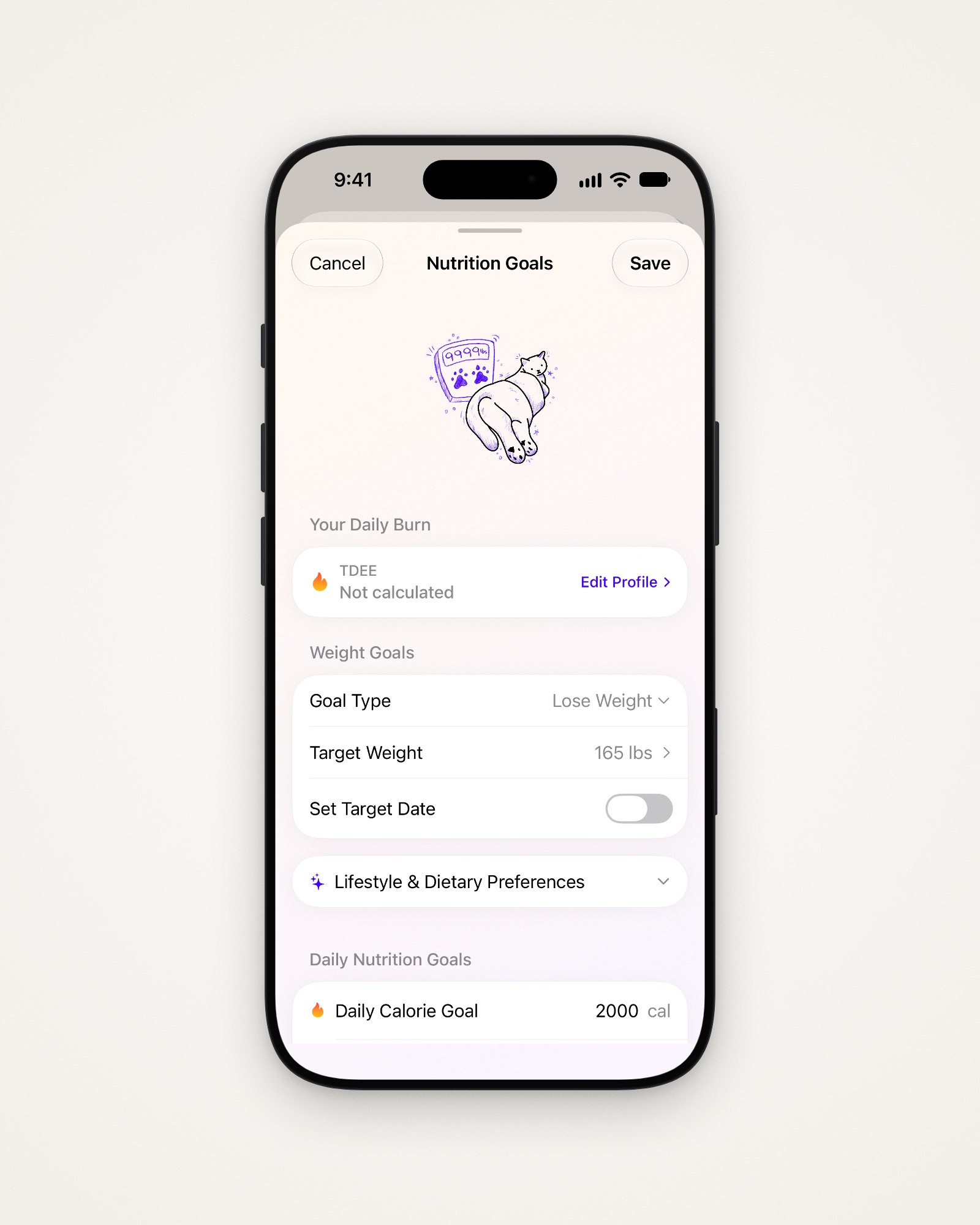
- Choose your Goal Type and Target Weight under Weight Goals.
- Tap Edit Profile if Your Daily Burn says Not calculated.
Set calories and macros
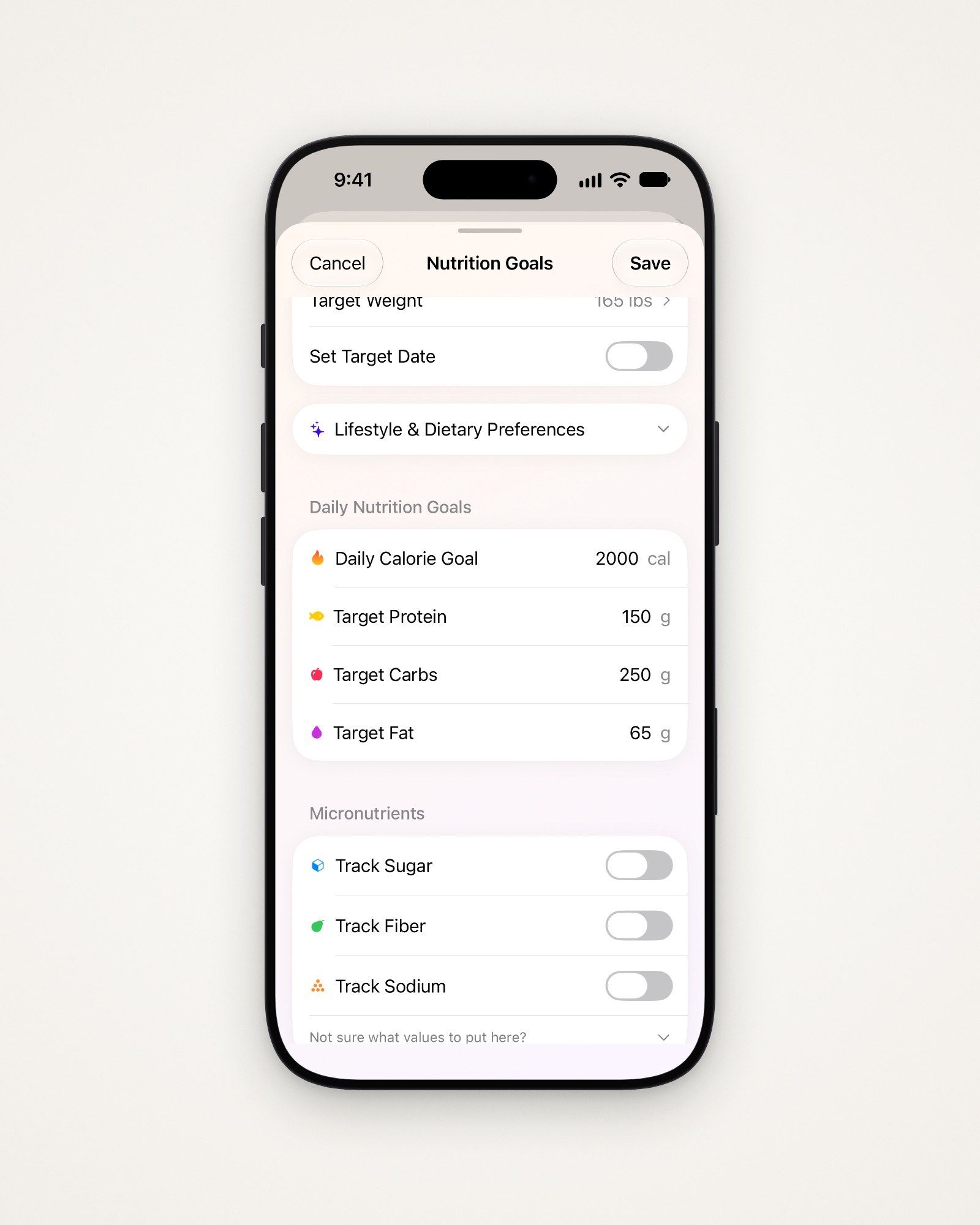
- Set your calories, protein, carbs and fat under Daily Nutrition Goals.
- Tap Recalculate Goals, when offered, for Amy’s suggestions.
- Turn on Track Sugar, Track Fiber or Track Sodium if you like.
- Tap Save.
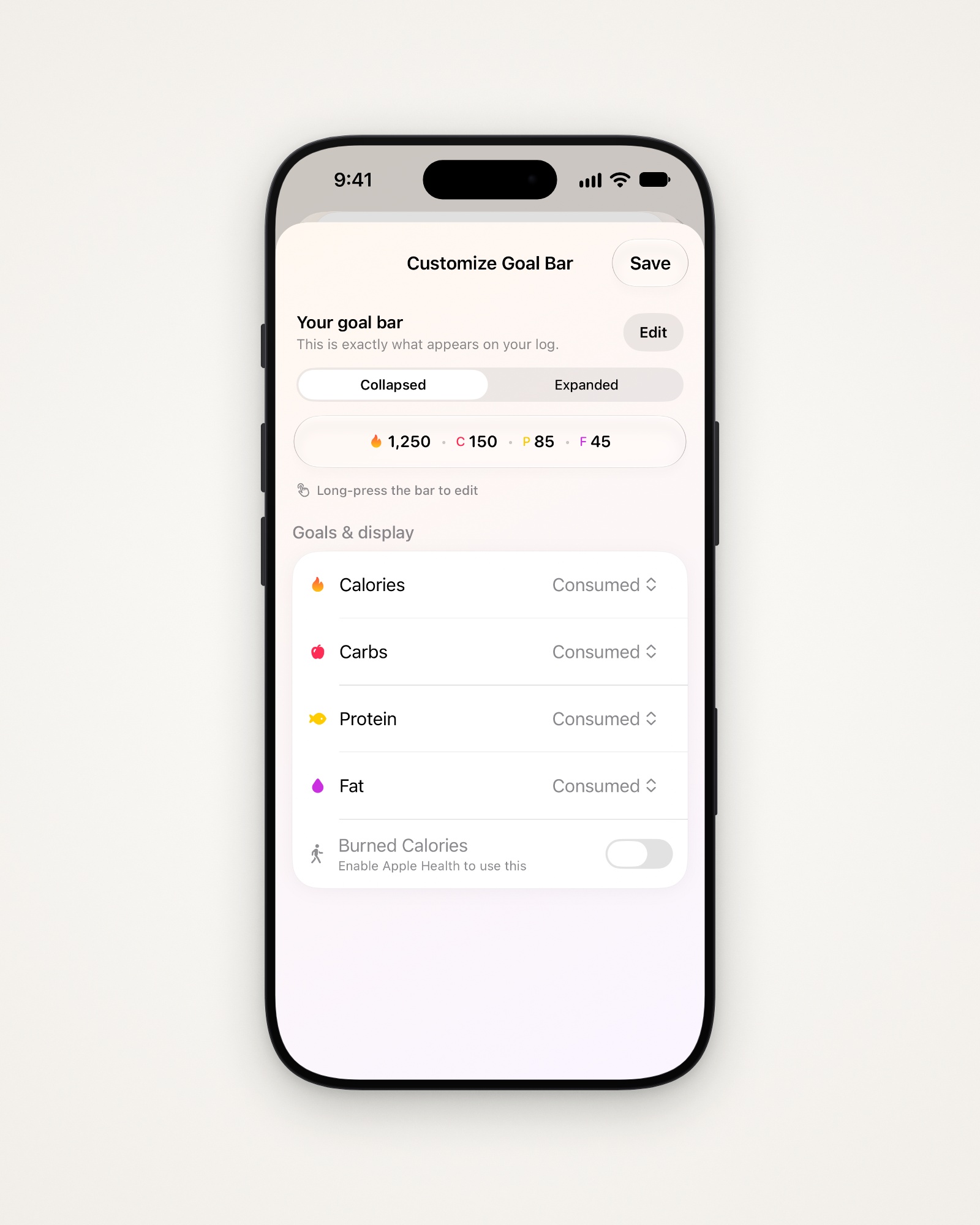
Choose what the bar shows
- Touch and hold the bar, or open Settings, then Customize Goal Bar.
- Tap Edit to reorder goals, or move them to Hidden goals.
- Pick Consumed or Remaining for calories and each macro.
- Tap Save.
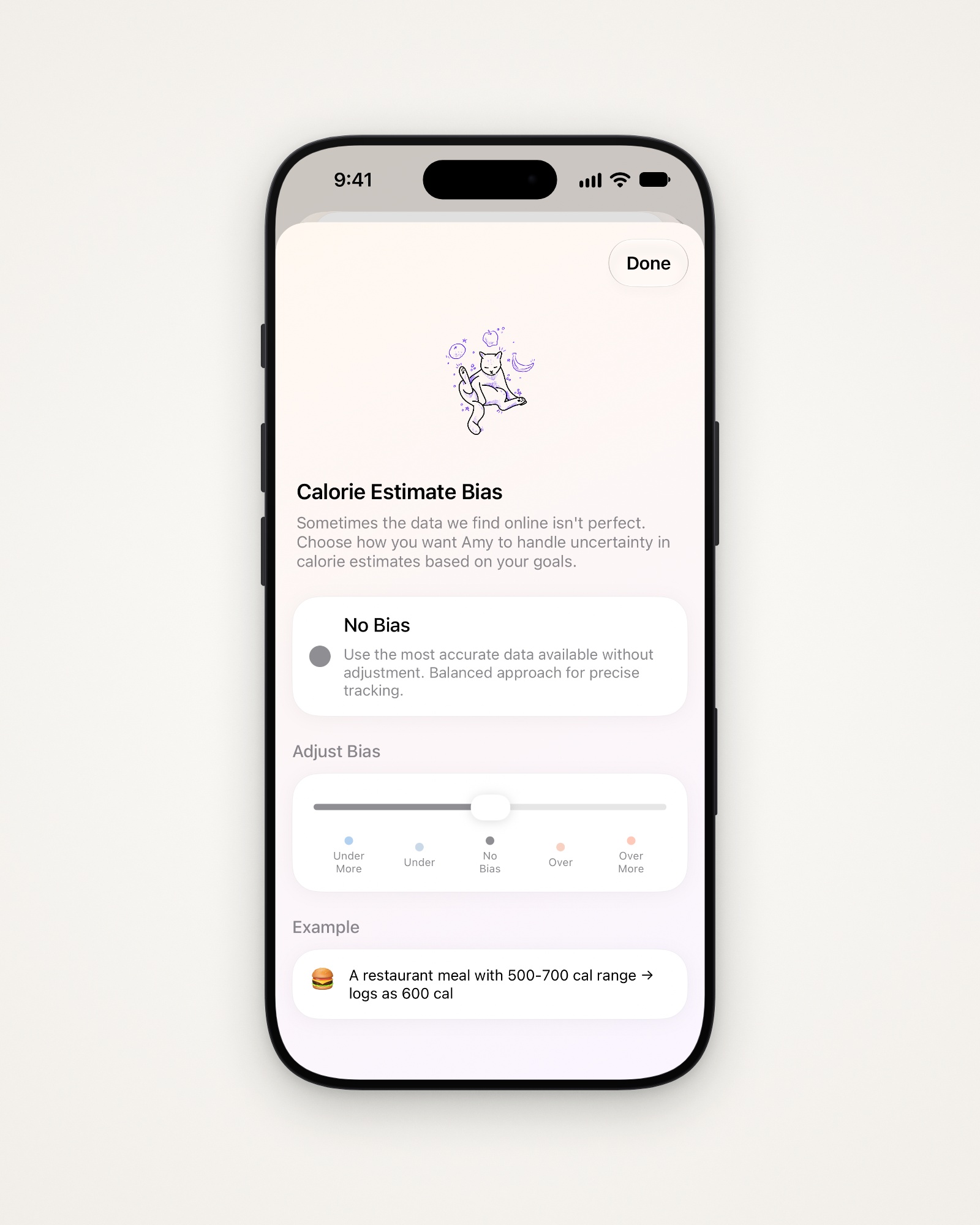
Lean estimates higher or lower
Calorie Estimate Bias leans every estimate one way.
- Open Settings, then Calorie Estimate Bias.
- Slide toward Overestimate to avoid overeating, or Underestimate to avoid undereating.
- Tap Done.
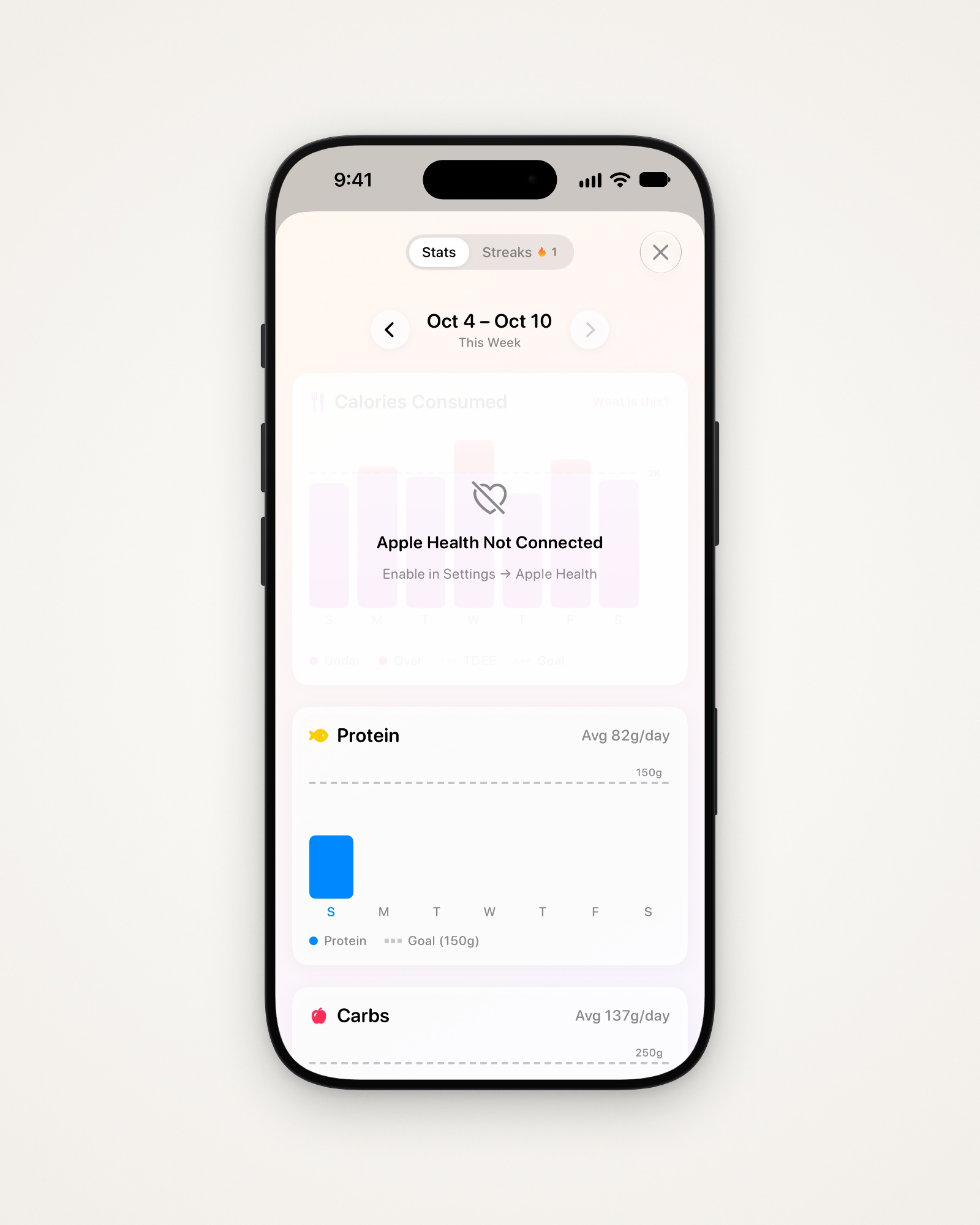
See how your week went
Stats charts your protein, carbs and fat against your goals.
- Tap the flame at the top right.
- Use the arrows to go back a week.
- Connect Apple Health to fill in the dimmed cards.
Last updated