
Track your weight
Log your weight and see your trend over time.
Log your weight
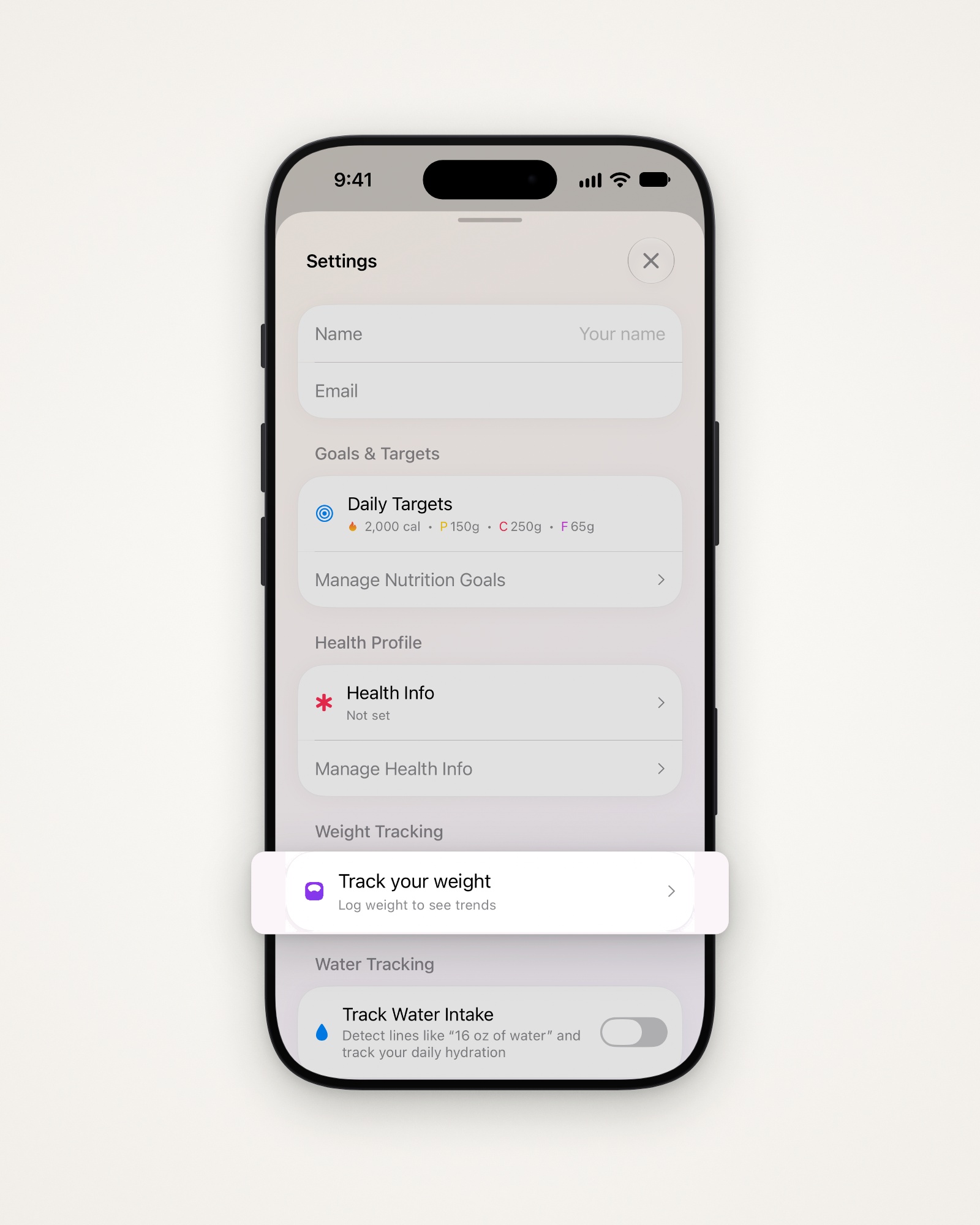
- Tap the gear at the top right to open Settings.
- Tap Track your weight under Weight Tracking.
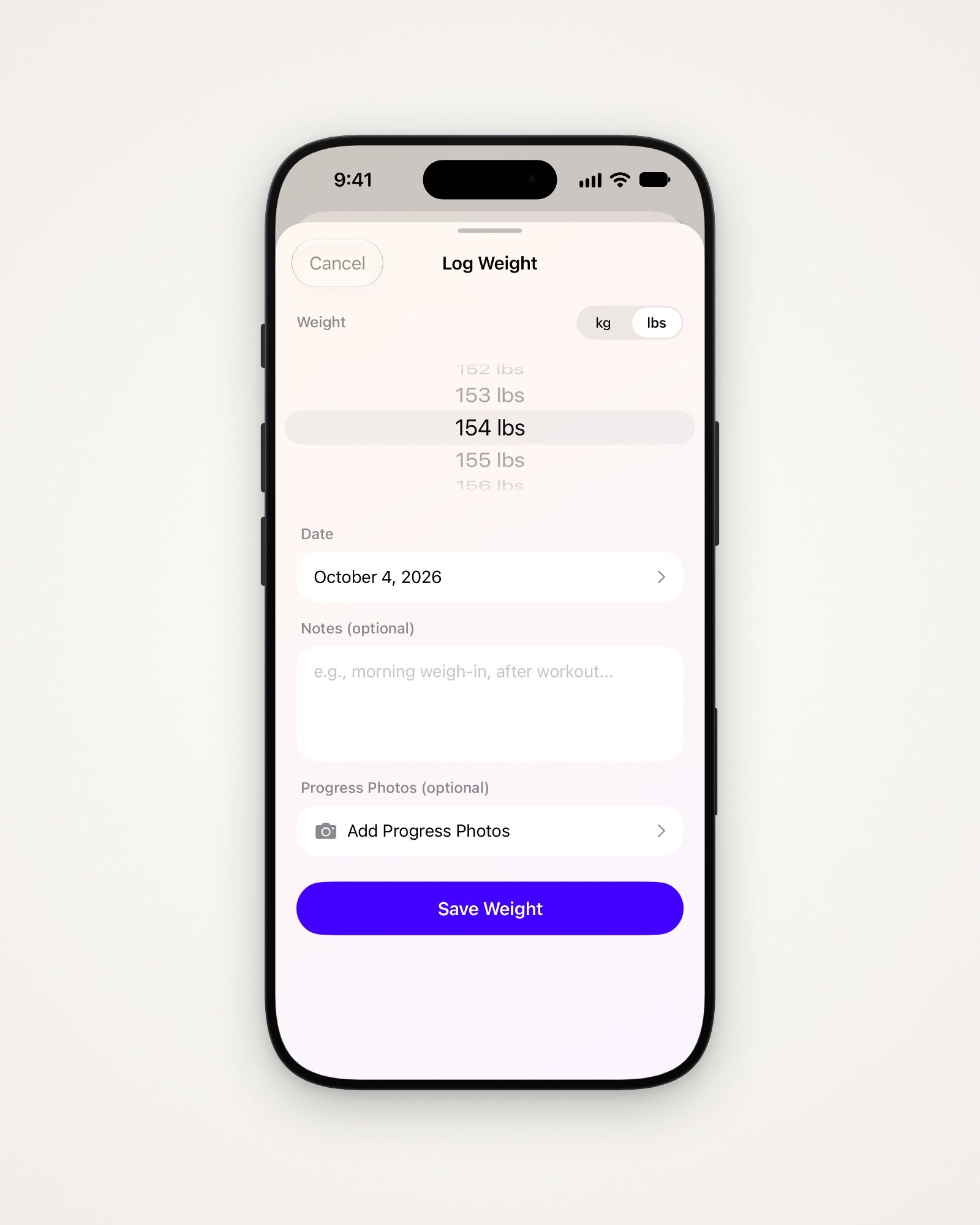
- Tap Log Weight and pick your weight in kg or lbs.
- Change the Date if it’s an earlier weigh-in.
- Add Notes or up to 5 Progress Photos, if you like.
- Tap Save Weight.
See your trend
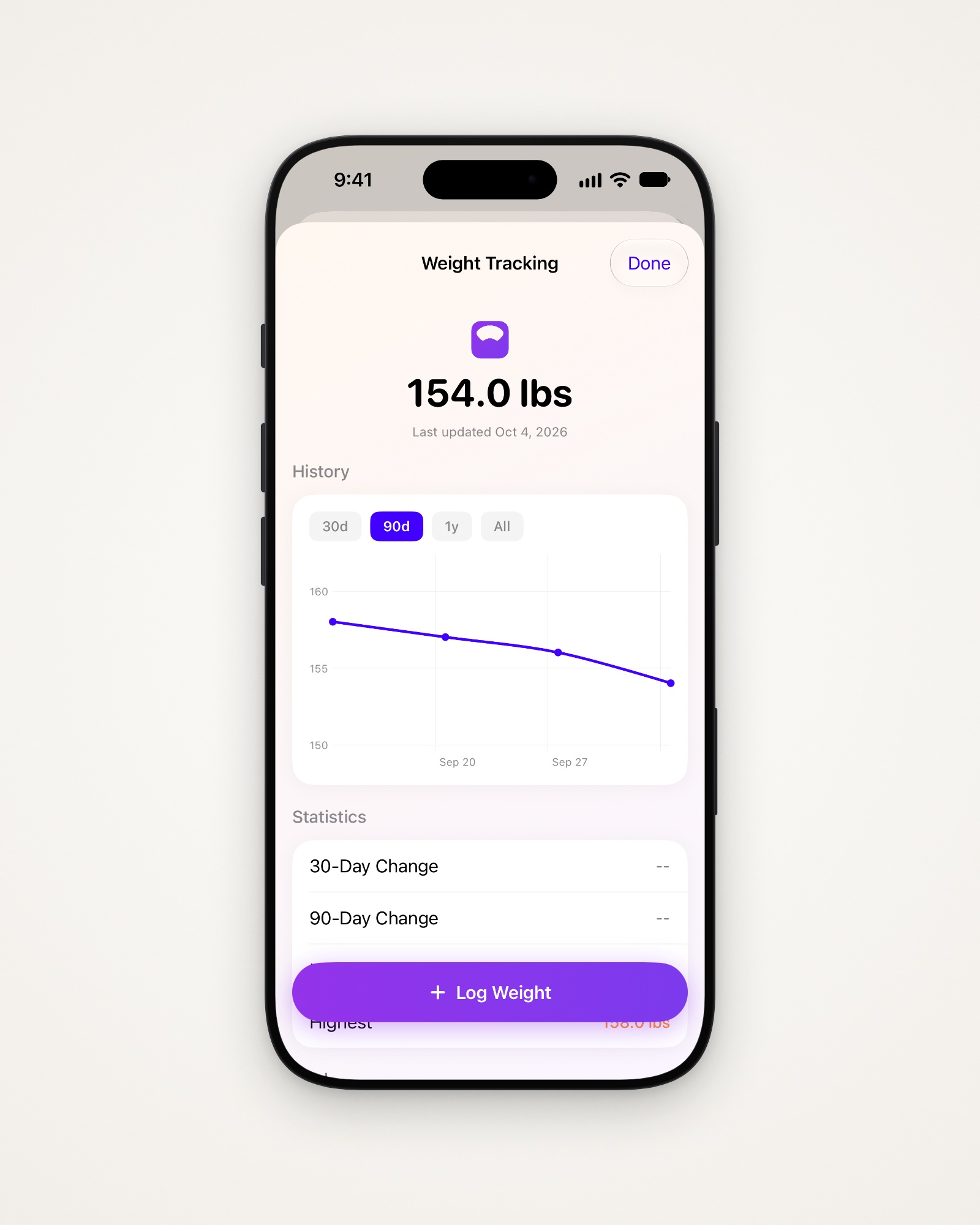
History charts your weigh-ins over 30d, 90d, 1y or All.
- Statistics: your 30- and 90-day change, lowest and highest.
- Goal: how far you are from your target weight.
- Apple Health: read or write your weight. Both start off.
- All Entries: every weigh-in.
Change or delete a weigh-in
- Tap an entry under All Entries.
- Change it and tap Save Changes, or tap Delete Entry.
Tip: Weigh-ins from Apple Health can only be changed in the Health app.
Last updated