
Connect Apple Health
Send what you eat to Health, and bring in what you burn.
Turn it on
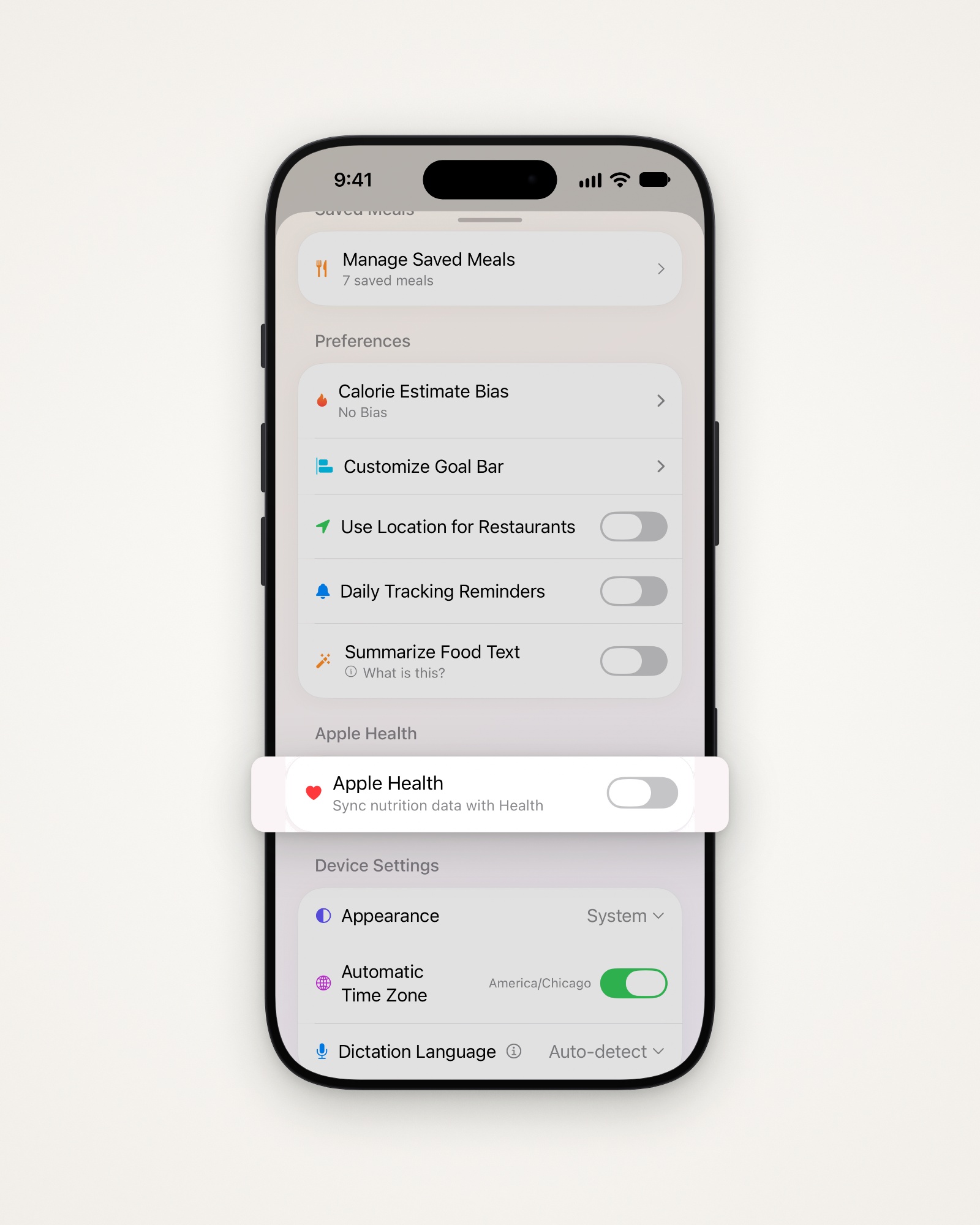
- Tap the gear at the top right to open Settings.
- Turn on Apple Health, and allow access when iOS asks.
- Turn on each kind of data you want to share. All start off.
What you can share
- Send switches add your calories, macros, micronutrients and water to Health.
- Read switches bring in burned calories, resting energy, steps and workouts.
- Reading lets the bar show Burned Calories, and fills in your weekly stats.
- Weight has its own switches, on the Weight Tracking screen.
Turn it off
Removing data only deletes what Amy wrote, never other apps’ data.
- Turn off Apple Health, or one of the Send switches.
- Choose Stop and Keep Existing Data or Stop and Remove from Apple Health.
Not seeing data?
- Open your iPhone’s Settings > Privacy & Security > Health > Amy.
- Turn on each kind of data you want Amy to read.
Last updated