
Log from your Apple Watch
Log by voice or saved meal, and keep your calories on your watch face.
Before you start
- Sign in to Amy on your iPhone. Your watch uses the same account.
- Check that your watch has watchOS 11.6 or later.
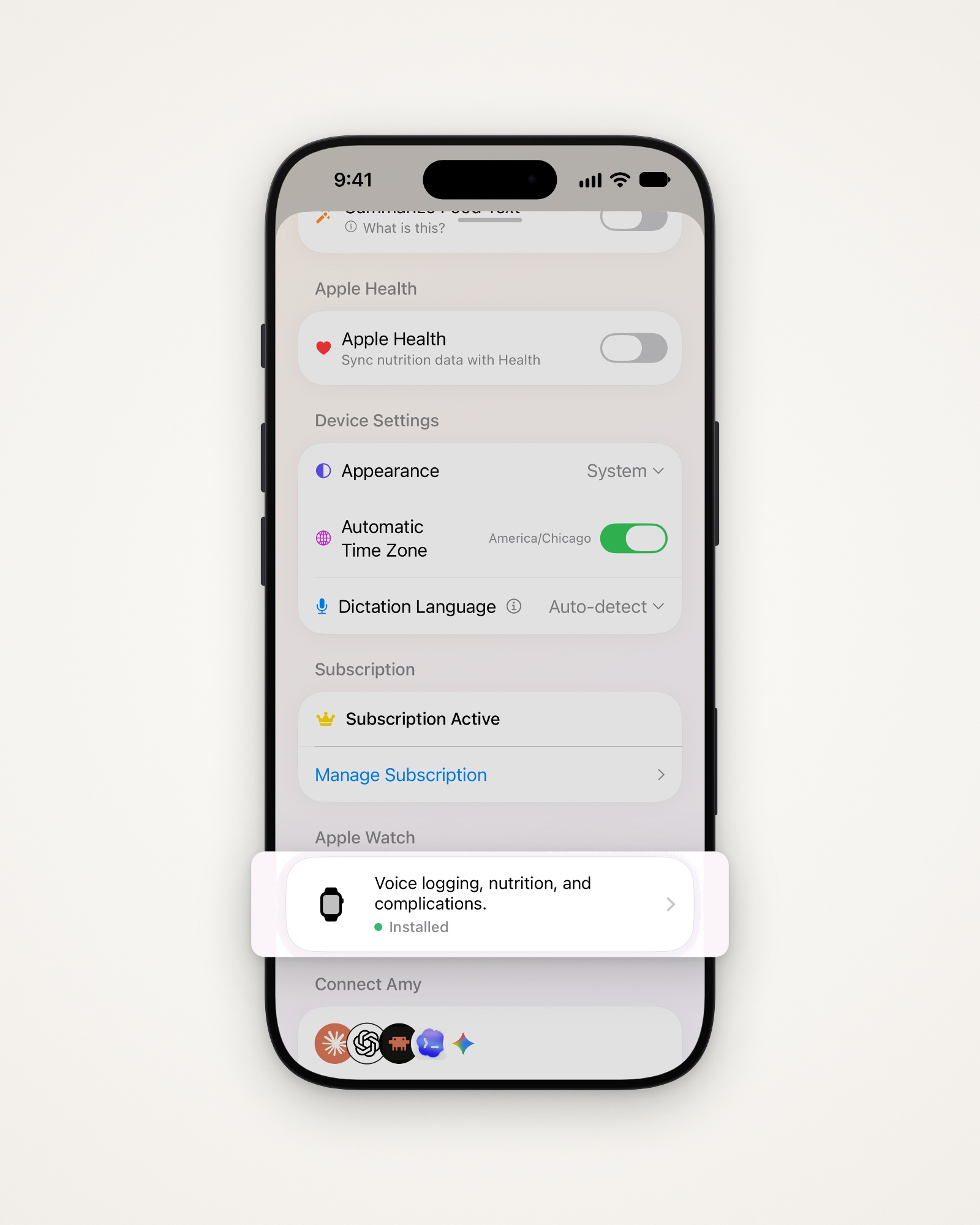
Find the Apple Watch guide
Amy’s iPhone app has a short guide to the watch app.
- Tap the gear at the top right to open Settings.
- Tap Voice logging, nutrition, and complications. under Apple Watch.
Log by voice
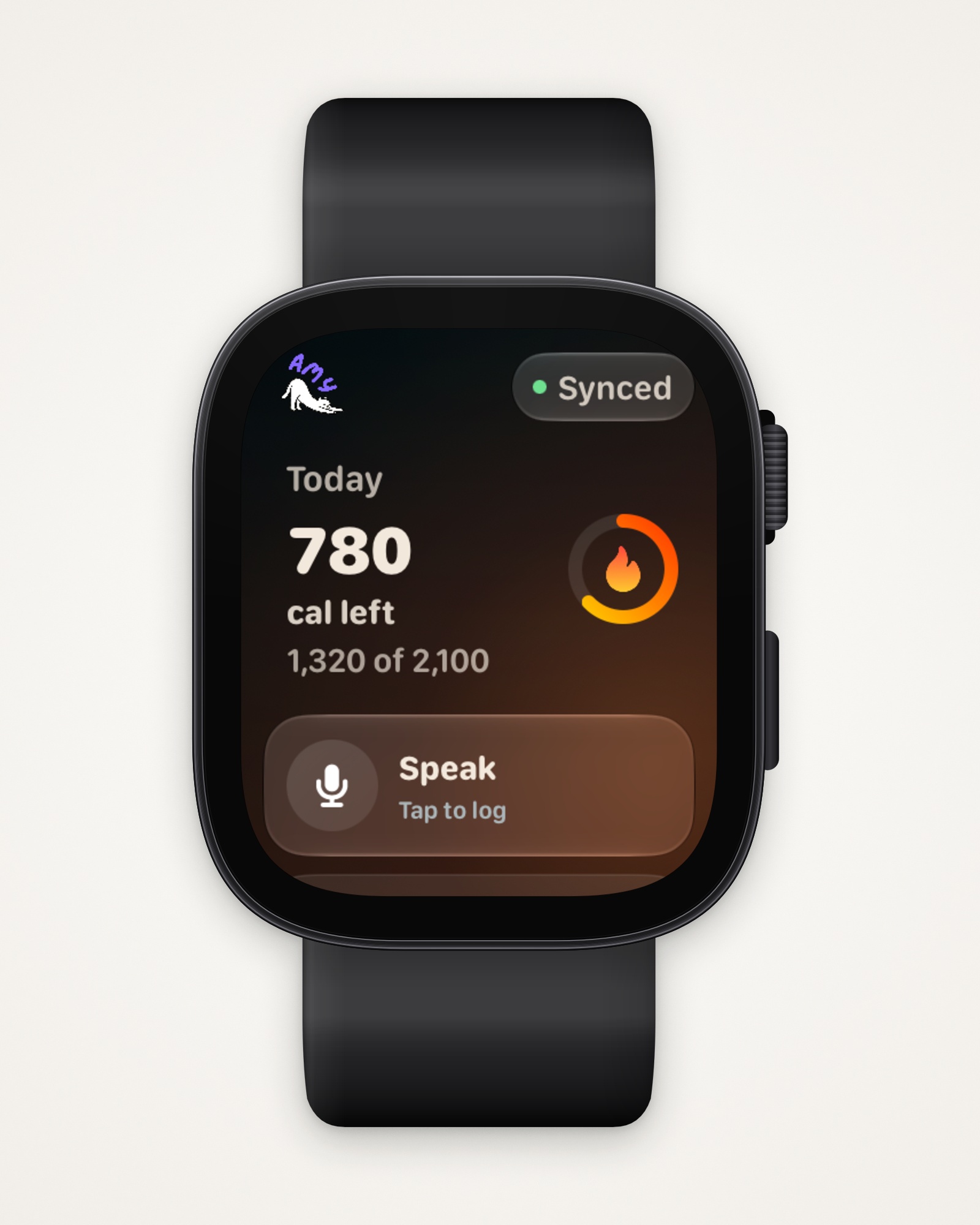
- Open Amy on your watch and tap Speak.
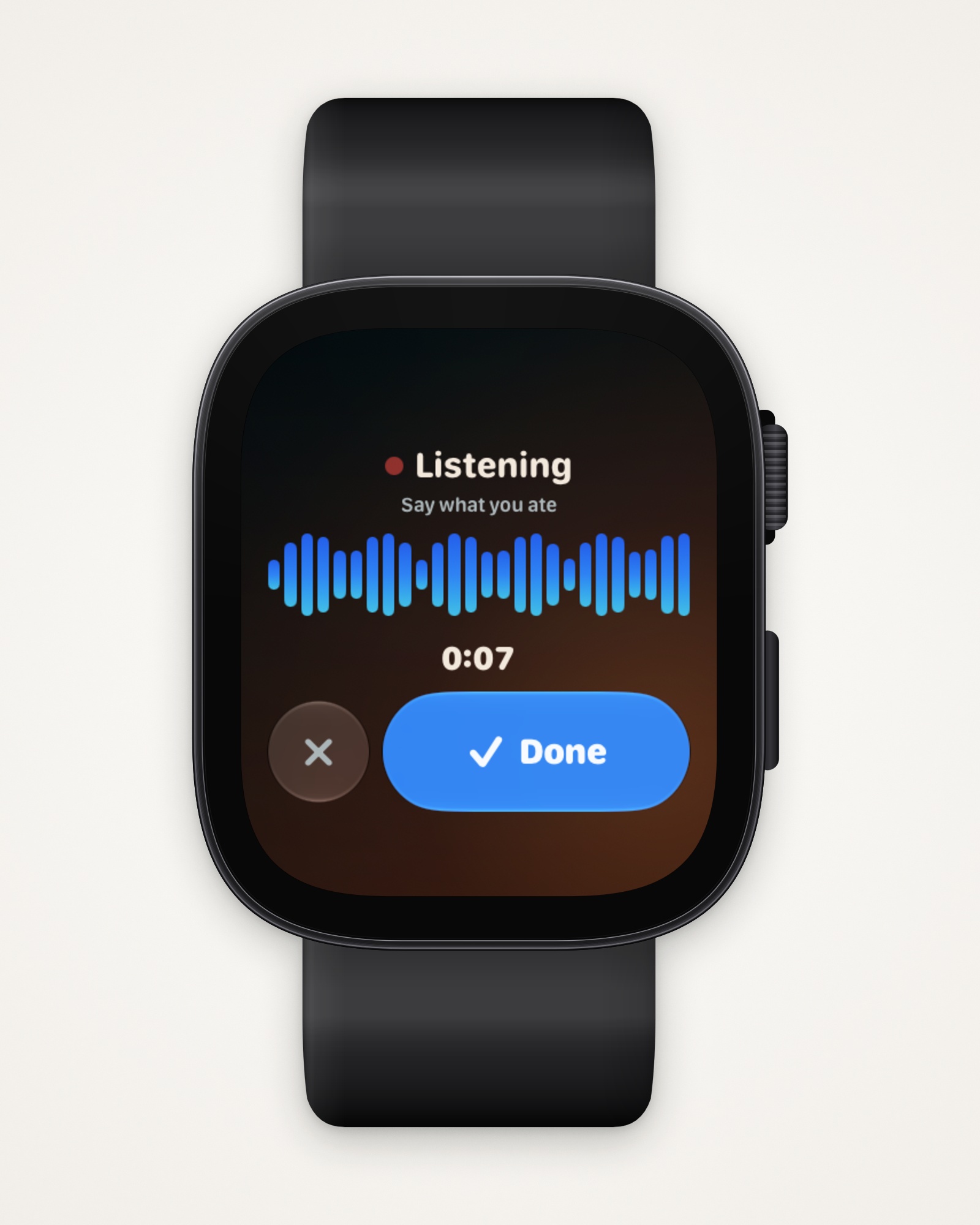
- Say what you ate, then tap Done.
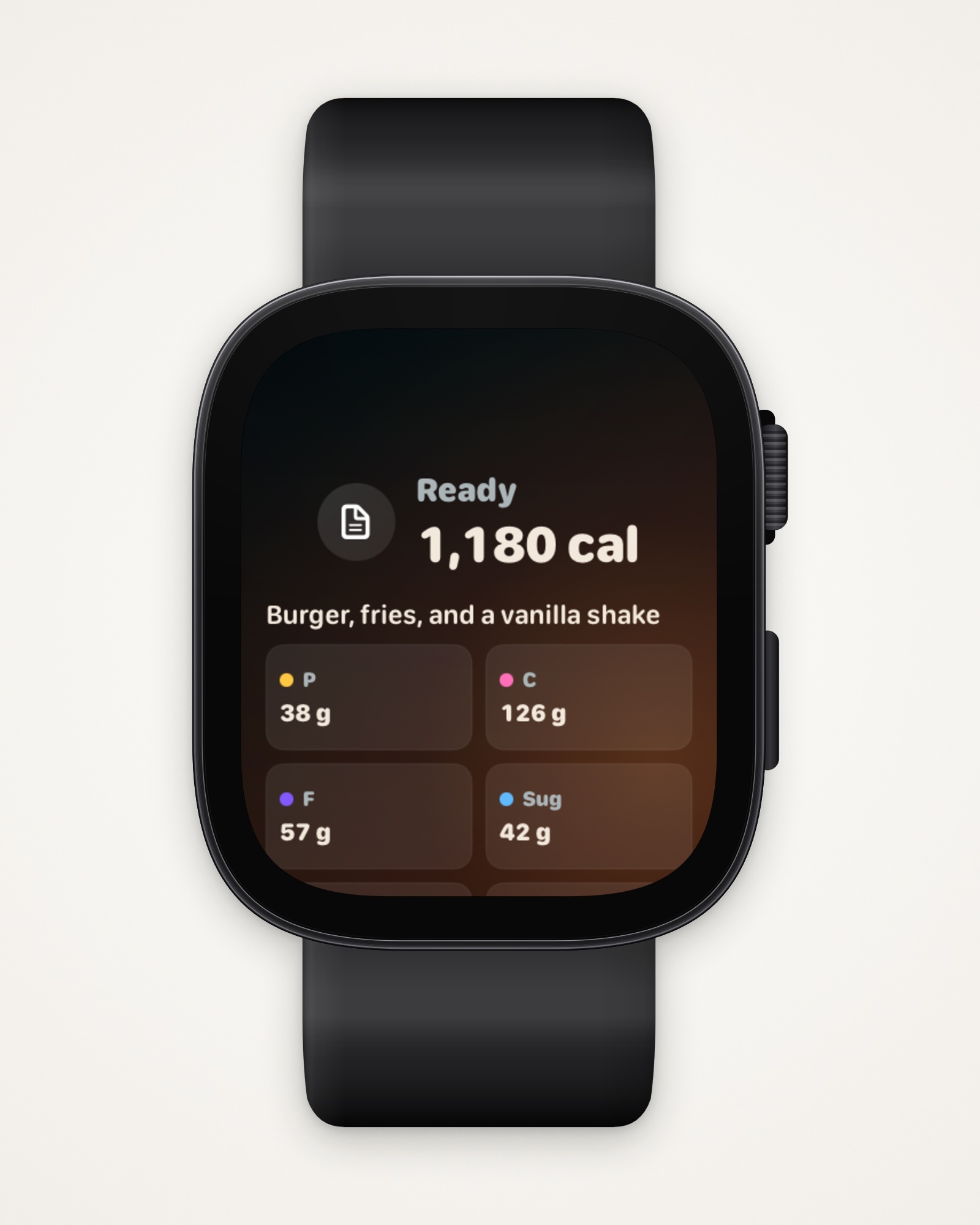
- Check what Amy heard, with its calories and macros.
- Scroll down and tap Log, or Re-record to try again.
Add a saved meal
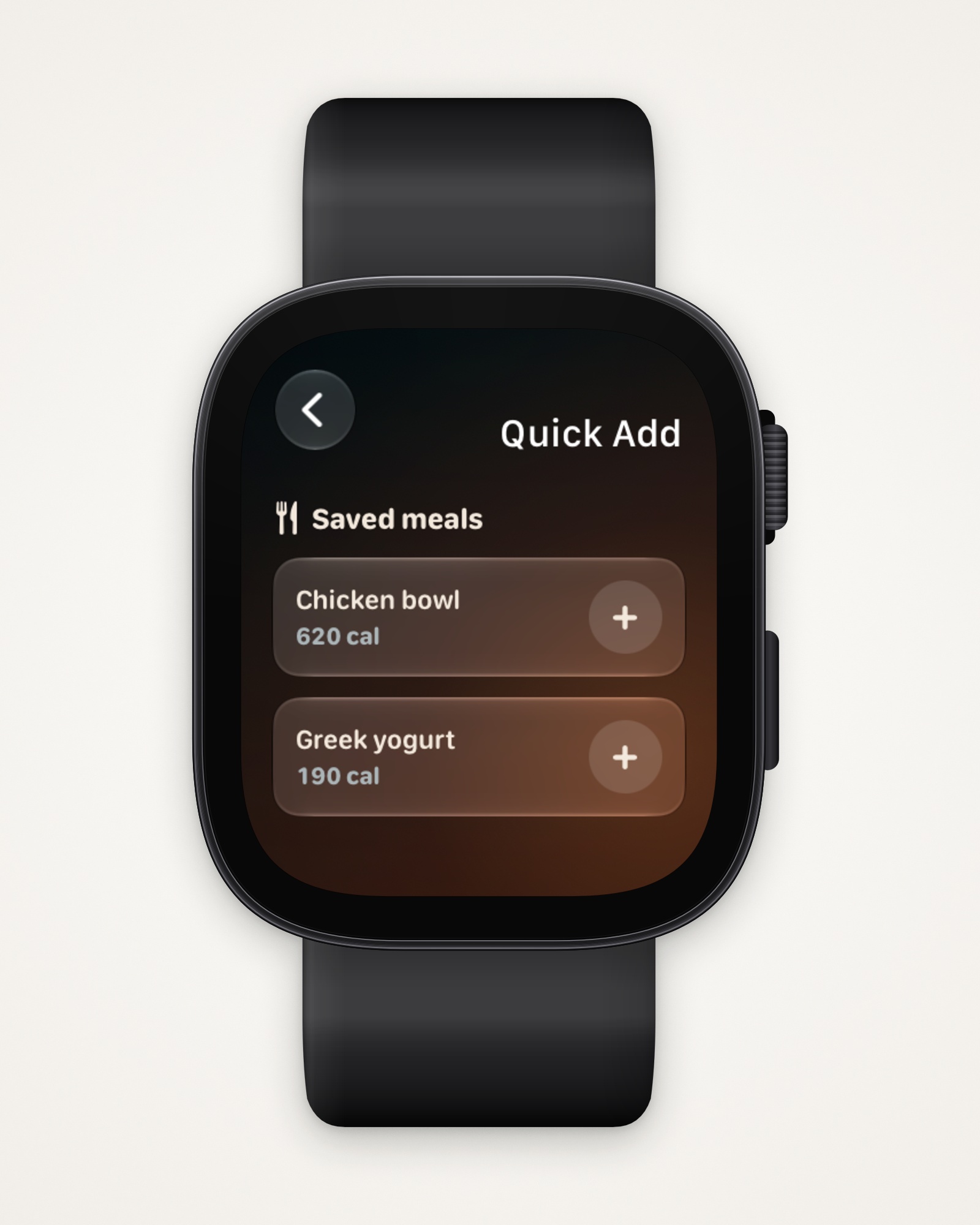
- Scroll down to Meals on your watch and tap Quick Add.
- Tap + next to a saved meal to log it.
Add a complication
Amy has three: Amy Calories, Amy Macros and Amy Protein. They need a face with complications, such as Modular.
- Touch and hold your watch face, then tap Edit.
- Swipe to Complications, then tap a spot.
- Choose Amy, then the complication you want.
- Press the Digital Crown to save, then tap the face.
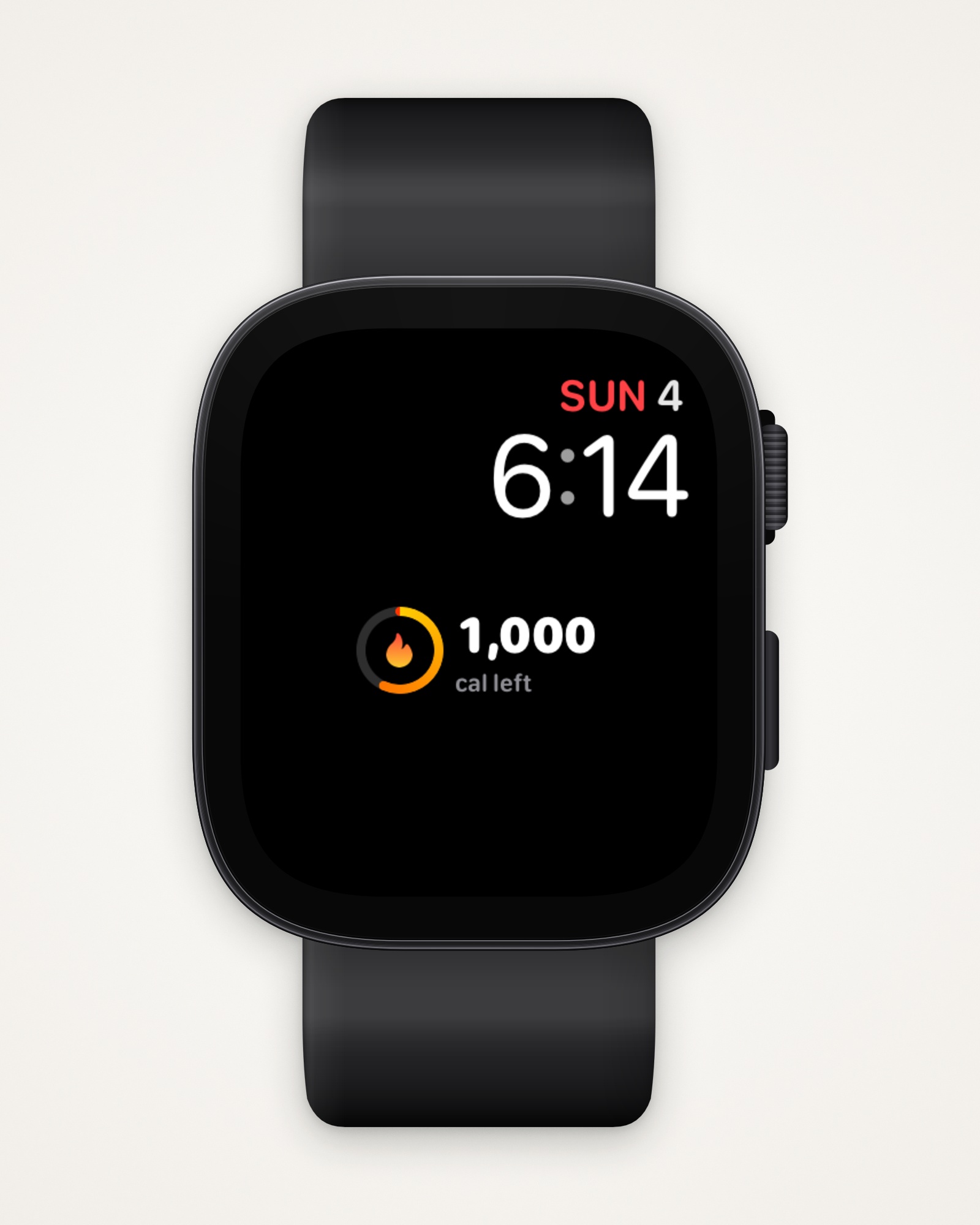
Tip: Your iPhone’s Home Screen and Lock Screen can show the same numbers with Amy’s widgets.
Last updated