
Add Amy’s widgets
See calories left, macros and water on your Home Screen and Lock Screen.
Add a Home Screen widget
- Touch and hold an empty spot on your Home Screen.
- Tap Edit at the top left, then Add Widget.
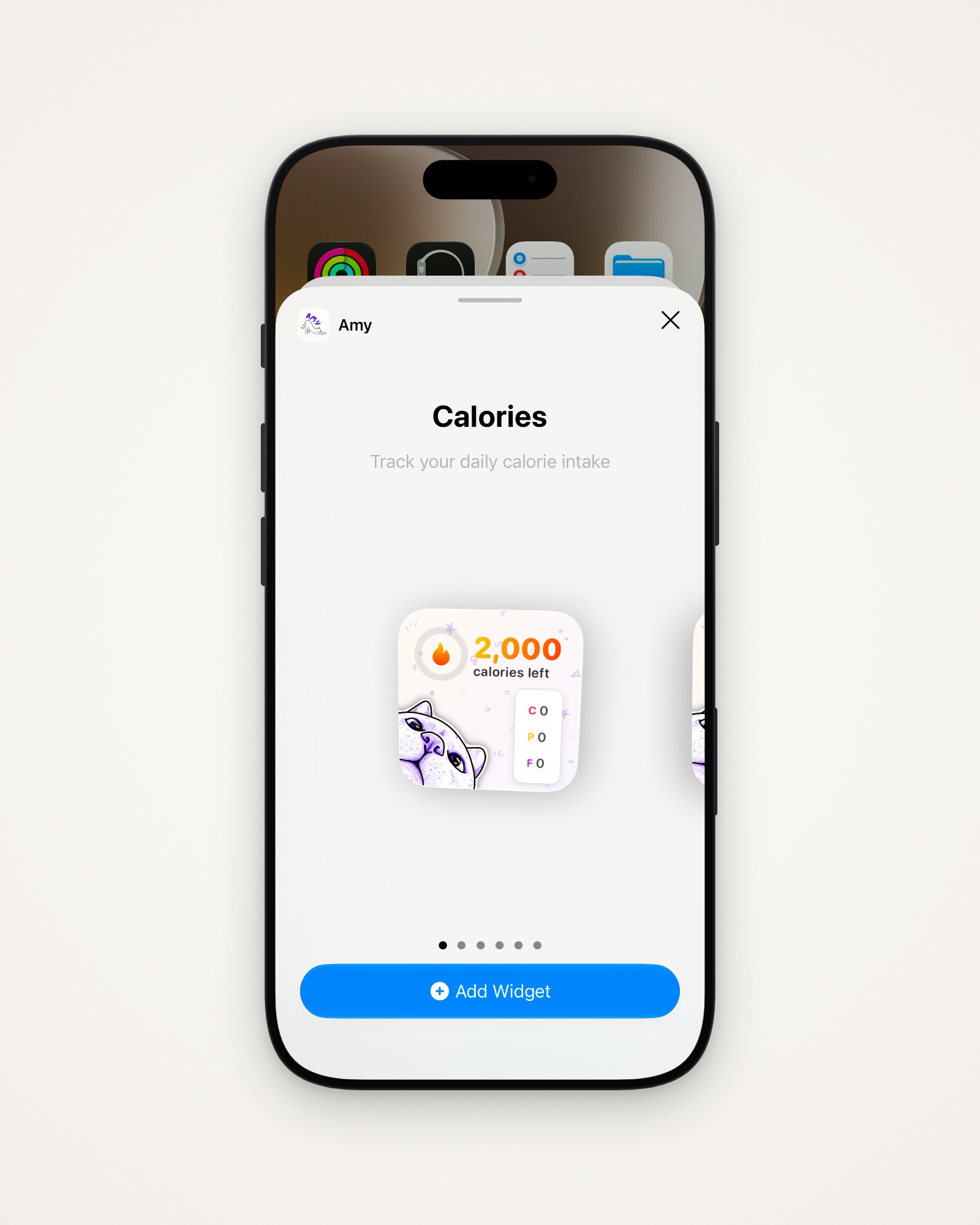
- Choose Amy, swipe to a widget, and tap Add Widget.
Which widget does what
| Widget | Size | Shows |
|---|---|---|
| Calories | Small | Calories left, with your macros |
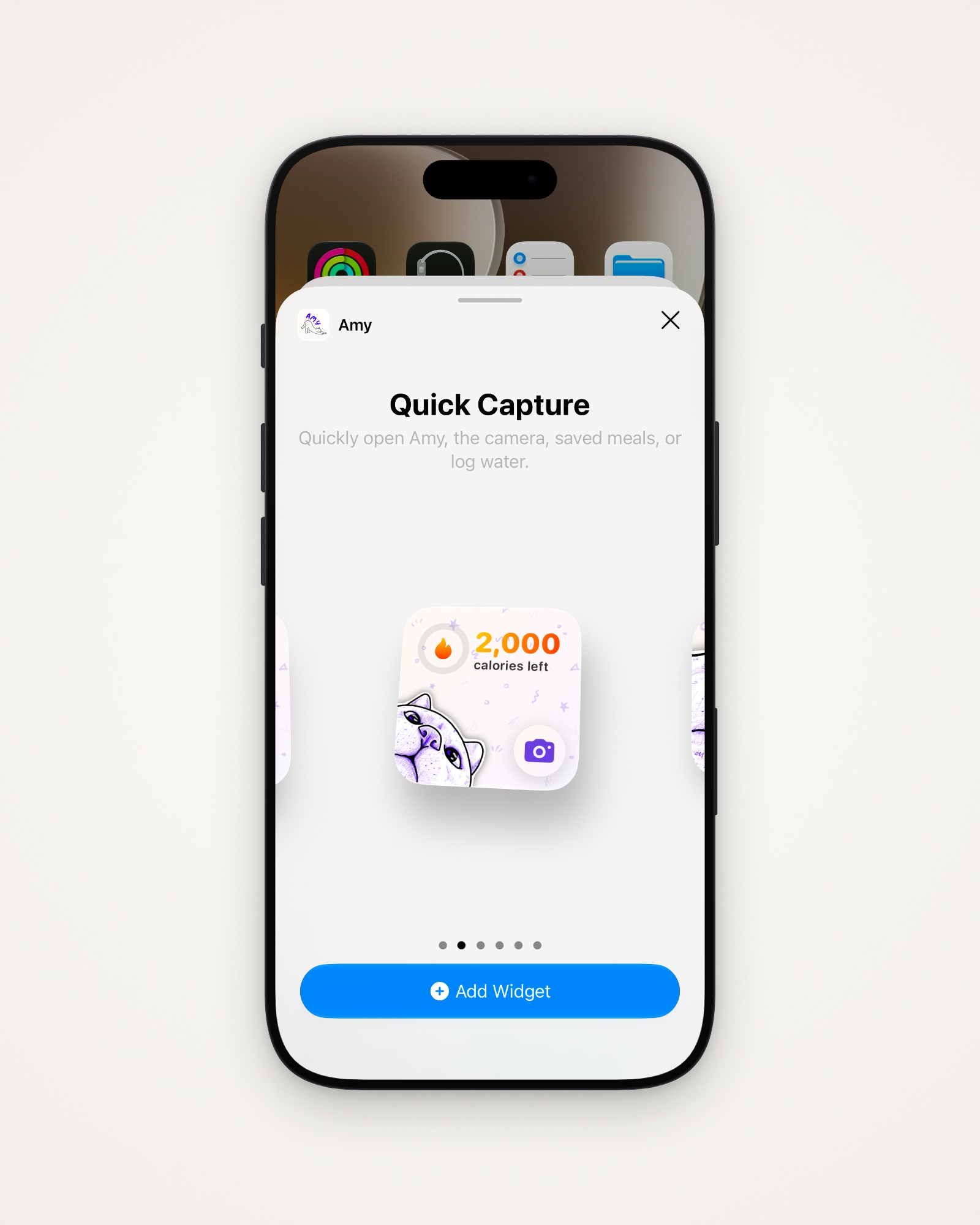
| Quick Capture | Small | Calories left, plus a shortcut button |
| Nutrition Tracker | Medium | Calories and macros, with a fire ring |
| Goals Expanded | Medium | Your Goals card |
| Water — Today | Small | Water left to reach your goal |
| Water — Quick Add | Medium | Water progress, with a + for quick add |
Choose what Quick Capture does
Its button can Open Camera (the default), Open Saved Meals, Log Water or Go to Home.
- Touch and hold the widget, then tap Edit Widget.
- Pick an option under Button.
Add a Lock Screen widget
Amy has three: Calories Remaining, Calories Consumed and Water.
- Touch and hold your Lock Screen, then tap Customize.
- Tap the widget area and choose Amy.
Tip: For the water widgets, turn on Settings → Water Tracking → Track Water Intake, then log lines like “16 oz of water”.
Last updated