
Save meals you eat often
Log your regular meals in two taps, with the same calories every time.
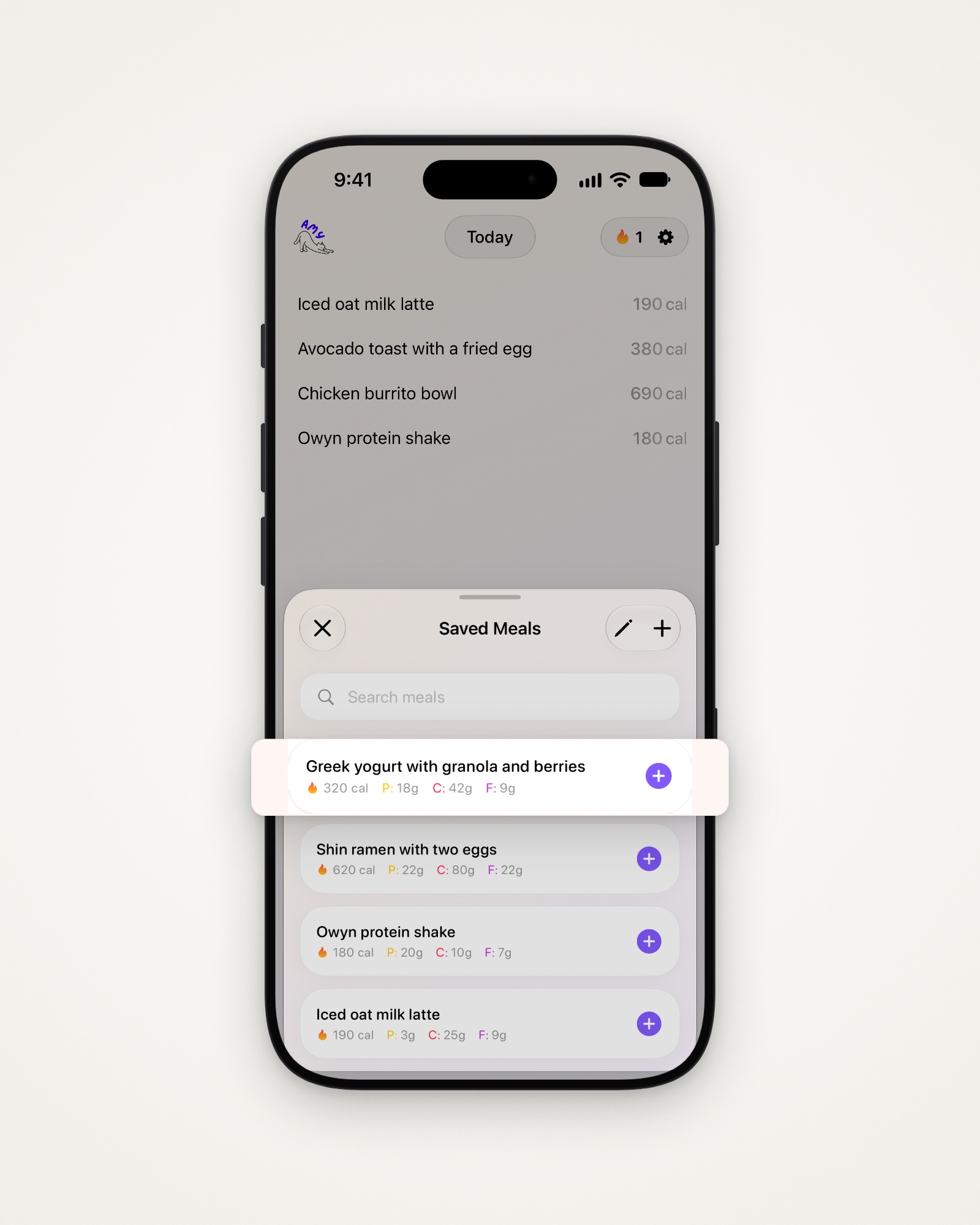
Add a saved meal
- Tap your note on the main screen to bring up the keyboard.
- Tap + beside the bar at the bottom.
- Tap + next to a meal, or find it with Search meals.
Save something you’ve logged
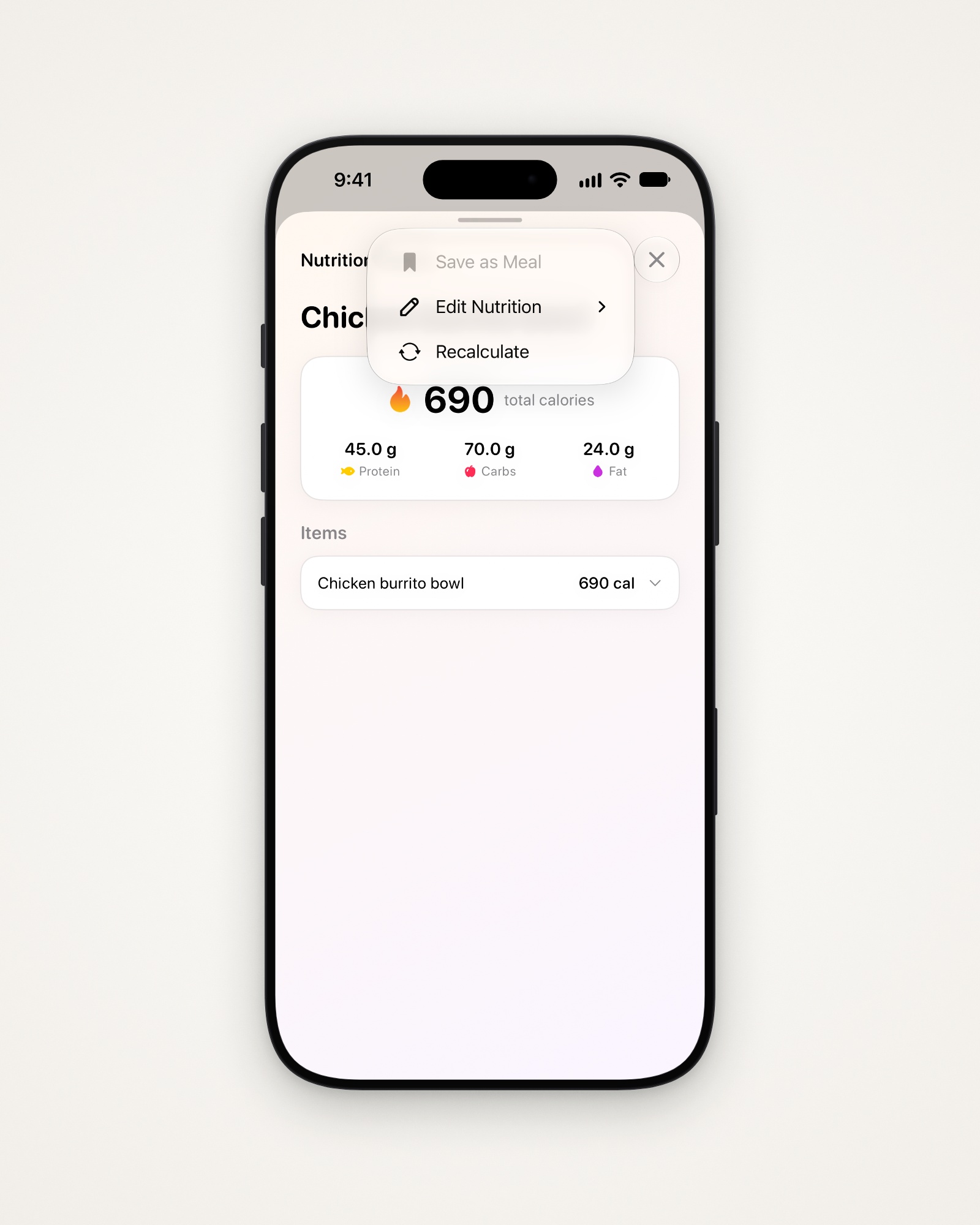
Save as Meal is greyed out if a saved meal already has that description.
- Tap the calories on the right of a line.
- Tap ••• at the top right, then Save as Meal.
Create a saved meal
- Open Settings (the gear at the top right), then Manage Saved Meals.
- Tap + at the top right.
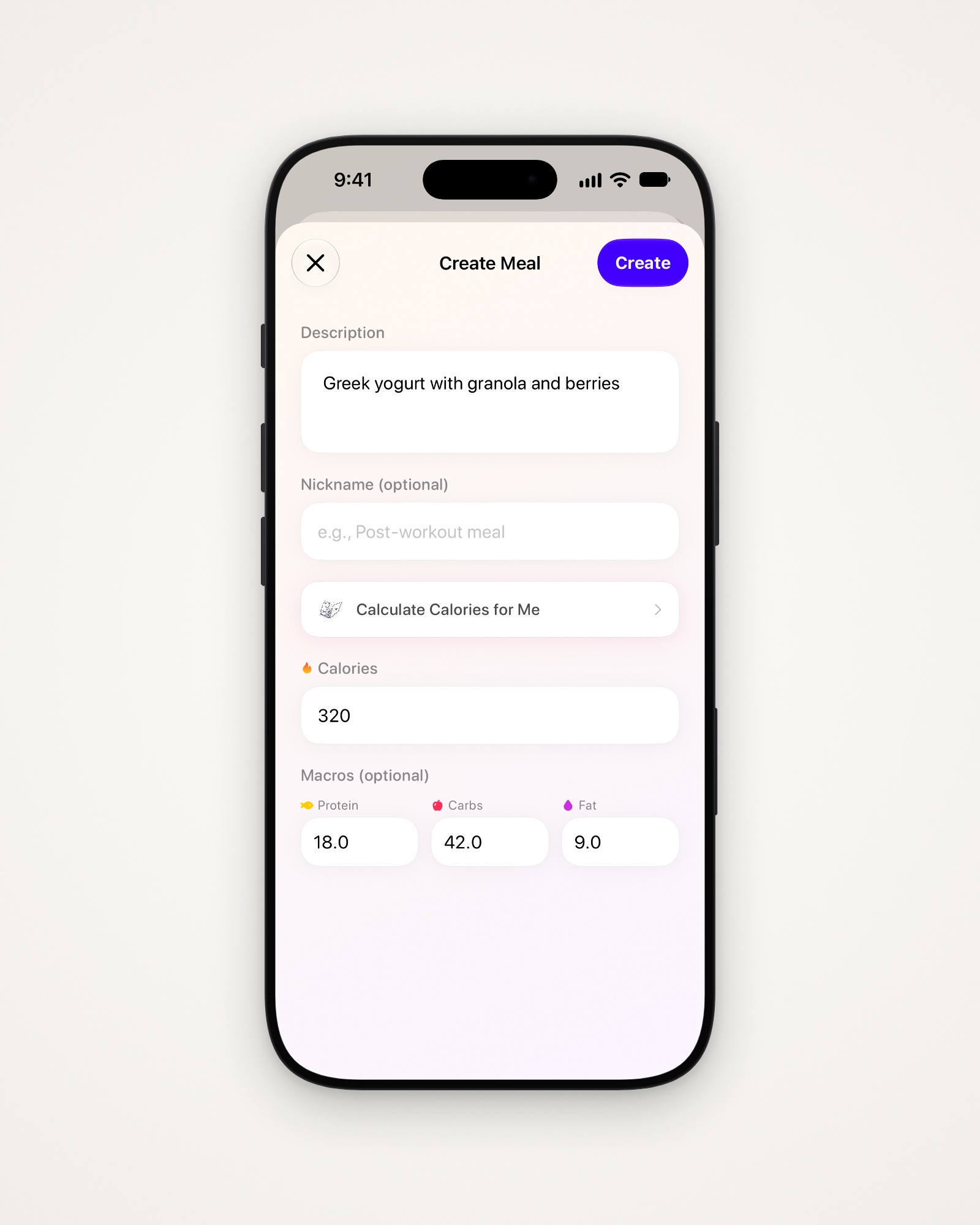
- Write a Description, and a Nickname if you want a shorter name.
- Enter the Calories, or tap Calculate Calories for Me.
- Add Macros if you like, then tap Create.
Change or delete a meal
Deleting a saved meal doesn’t remove it from days you already logged it.
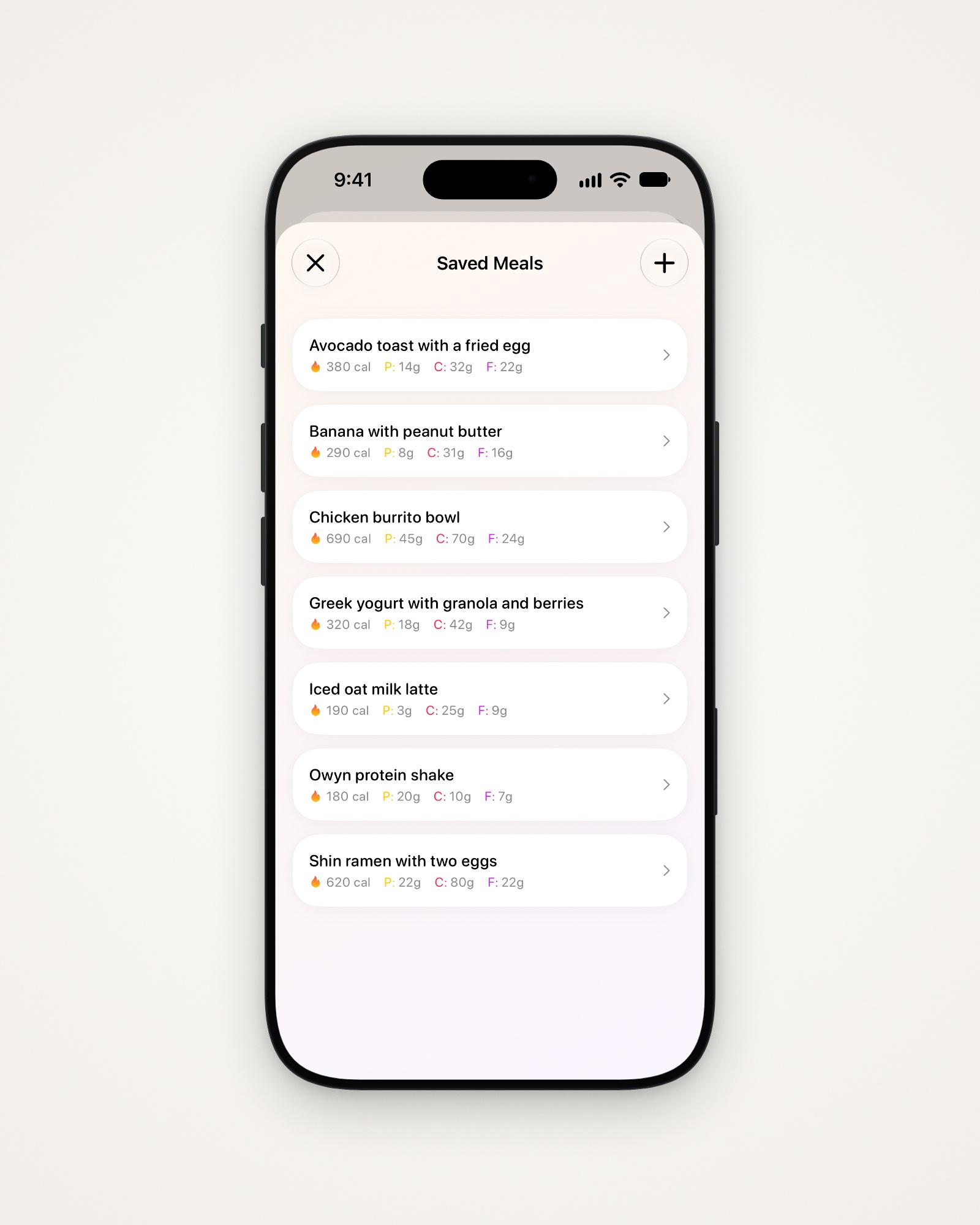
- In Manage Saved Meals, tap a meal to open Edit Meal.
- Change anything and save, or tap Delete Meal.
Tip: Your saved meals are on your Apple Watch too, under Meals, then Quick Add.
Last updated