Text vs Photo Calorie Tracking: Which One Works Better?
Text vs photo calorie tracking compared by meal type, accuracy, friction, and real-life use. Learn when to type, scan, photograph, or use a recipe calculator.

Chris Raroque
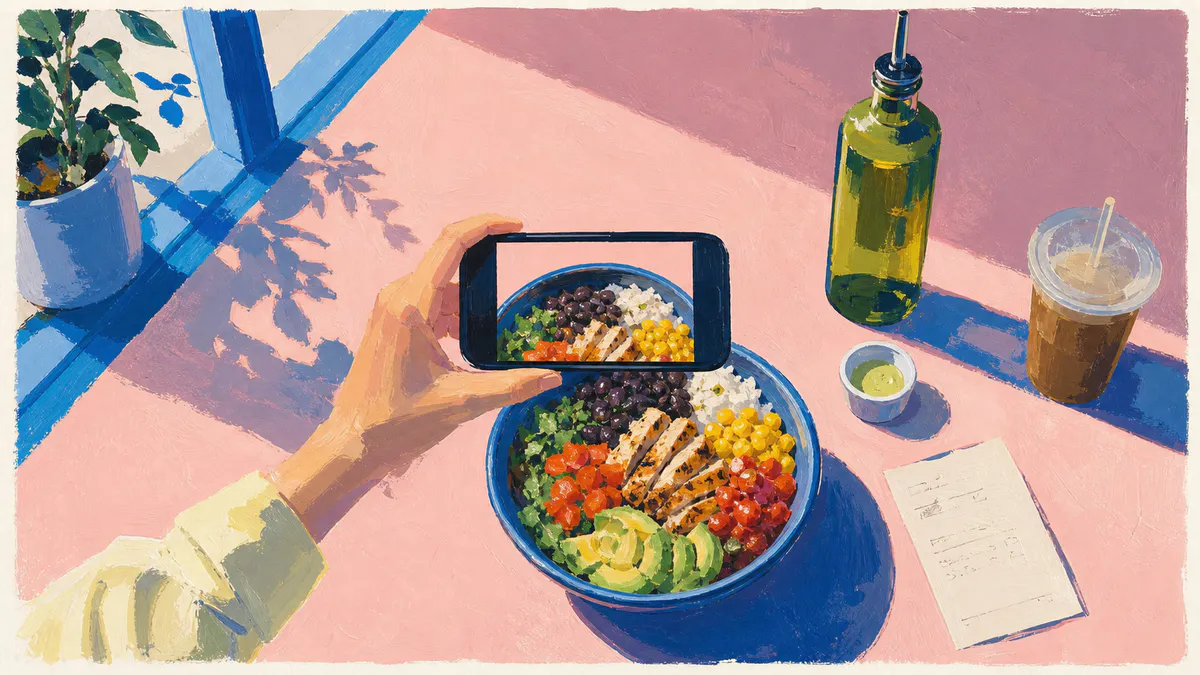
Text and photo calorie tracking are both shortcuts.
Text is a shortcut around database search.
Photo is a shortcut around describing the meal.
The mistake is treating one of them as universally better. They solve different problems.
Photo tracking works best when the meal is visible. Text tracking works best when the important details are hidden, customized, or easier to remember than see.
That is why the useful question is not “which input is smarter?”
It is:
Which input gives the app the clearest information for this meal?
The Short Answer
Use photo calorie tracking when the meal is clearly plated, the portions are visible, and the photo captures the foods that matter.
Use text calorie tracking when the meal has custom ingredients, hidden oils, sauces, restaurant modifications, leftovers, or anything a camera cannot easily infer.
Use barcode scanning when the food has a label.
Use a recipe calculator when the food is homemade in a batch and servings matter.
The best calorie tracker is the one that lets you switch without making you think too hard.
A disclosure before Amy appears later in the comparison: I make Amy Food Journal. The camera-first examples and limitations here are based on the same meal-level standard I use for Amy.
Text vs Photo By Meal Type

| Meal | Best Starting Point | Why |
|---|---|---|
| Clear breakfast plate | Photo | The foods and portions are visible |
| Coffee shop drink | Text | Size, milk, syrup, and add-ons matter |
| Packaged snack | Barcode | The label is more precise |
| Burrito bowl | Text | Custom toppings and hidden ingredients matter |
| Homemade soup | Recipe calculator | Batch ingredients and servings matter |
| Leftovers | Text | You know what went into it |
| Snack plate | Photo or text | Either can be fast |
| Restaurant order | Text | The order name and customizations are the useful facts |
One Meal, Logged Two Ways
Imagine lunch is a customized burrito bowl and an iced latte.
The photo preserves useful visual evidence: how full the bowl is, the visible ratio of rice to toppings, whether guacamole is present, and how large the drink looks. But it cannot reliably tell you that the bowl has double chicken, that you ate two-thirds of it, or that the latte uses oat milk and two pumps of vanilla.
The sentence preserves a different set of facts:
two-thirds of a burrito bowl with double chicken, white rice, black beans, cheese, guac, and sour cream; medium iced latte with oat milk and two pumps vanilla
That sentence still has a blind spot. “Two-thirds” is only useful if the app makes a sensible assumption about the original bowl, and a person may forget an ingredient that the photo would have shown.
| Input | What it preserves | What you still need to check |
|---|---|---|
| Photo | Visible food, rough portion shape, forgotten sides | Hidden ingredients, customizations, amount eaten |
| Text | Order details, preparation, brands, substitutions | Forgotten visible items, vague portion language |
| Photo plus one sentence | Both sets of clues | Whether the resulting portions and ingredients make sense |
This is the practical case for a hybrid workflow. Do not add detail for its own sake. Add the one fact the first input could not carry.
Where Photo Tracking Is Strong
Photo-first apps like Cal AI are popular because the first action feels simple: take a picture.
Cal AI’s App Store page makes that promise directly. Take a meal photo, review the estimate, and get a nutrition breakdown.
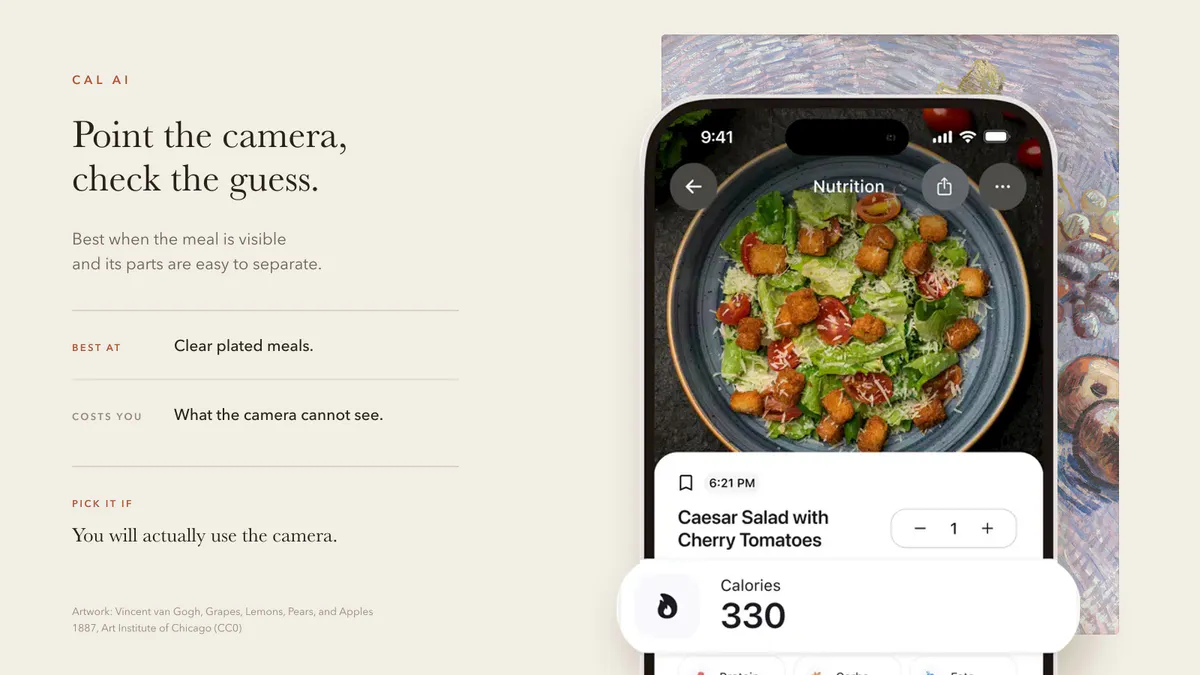
That works well for:
- Eggs, toast, and fruit.
- A salad where the ingredients are visible.
- A sandwich and side.
- A plated dinner with clear portions.
- A snack plate.
The benefit is speed. You do not need to name every ingredient before the app can start.
The downside is verification. If the estimate is wrong, you need to notice why.
Where Text Tracking Is Strong
Text tracking is strongest when the camera cannot see the most important information.
For example:
iced latte, oat milk, vanilla syrup
That tells the app more than a photo of a beige drink.
Or:
chicken bowl with rice, beans, corn, cheese, guac, sour cream
That tells the app more than a top-down photo where the rice and dressing might be hidden.
Text is also better for tired logging. You can write a rough meal note in a few seconds and clean it up only if you care about the estimate.
That is the core reason Amy exists: make calorie tracking feel like writing in Apple Notes, not operating a database.
Accuracy Is Not Just The App
People ask whether text or photo tracking is more accurate. The more honest answer is that both depend on the input.
A photo of a clear plate can be more useful than a vague sentence.
A specific sentence can be more useful than a vague photo.
This is especially true for portions. A single image can identify food, but portion size is still a hard problem in image-based dietary assessment. Reviews of AI and image-based dietary assessment keep returning to food recognition and portion estimation as separate challenges, not one solved step.
Our AI calorie counter app guide compares how current products handle that verification step.
The Best Workflow Is Hybrid
The ideal calorie tracker should not force a personality test every time you eat.
It should let you:
- Type a custom restaurant order.
- Scan a packaged food.
- Photograph a clear plate.
- Use a recipe calculator for homemade batches.
- Edit the estimate when something looks off.
The more rigid the app, the more your meals have to adapt to the app.
That is backwards.
How Amy Handles The Split
Amy’s default is text because text handles the widest range of messy real-life meals.
That does not mean photos are useless. It means photos should be optional, not the toll booth.
If the meal is easy to photograph, use the photo. If the meal is easier to describe, type it. If it has a barcode, scan it.
The habit stays simple because the default action is small:
Write what you ate.
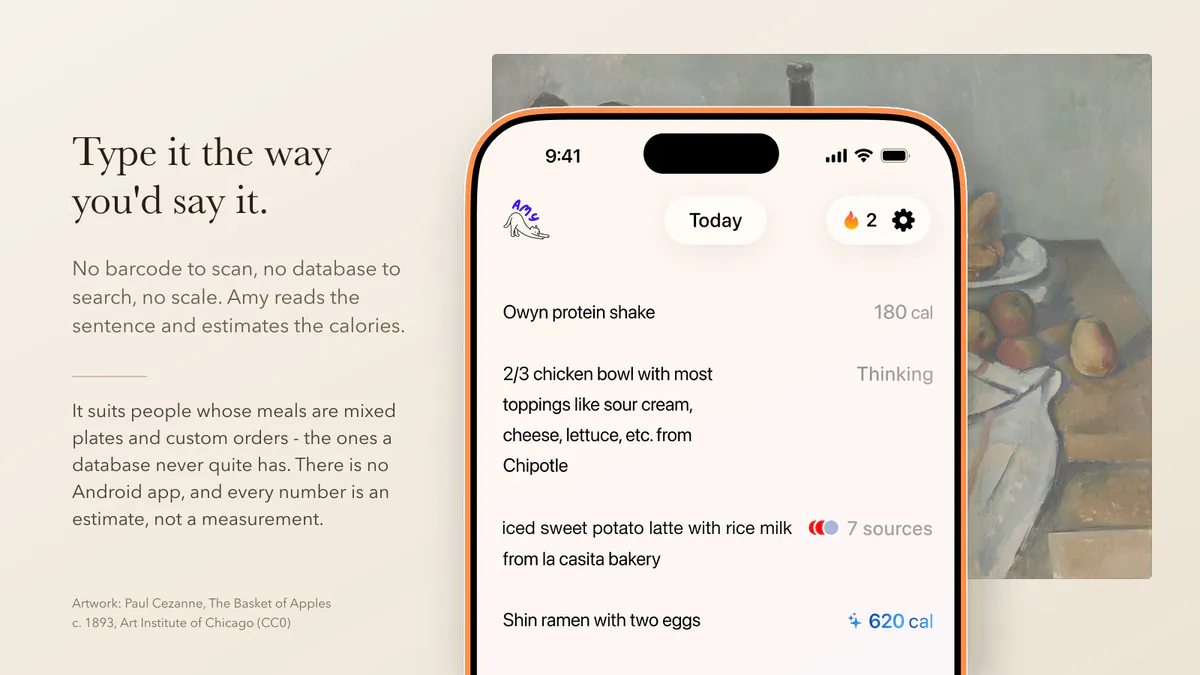
Amy is Apple-only, with no Android app, and it is not the deepest choice for micronutrients or a full web-based nutrition workflow. It also has no permanent free plan. As of July 30, 2026, the three-day trial is followed by $9.99 per month or $99.99 per year; current terms are on the pricing page.
For more camera-first options, see Cal AI alternatives. For a broader buying guide, see best calorie tracker apps.
FAQ
Is photo calorie tracking accurate?
Photo calorie tracking can be useful for clear, visible meals, but it can struggle with portions, hidden oils, sauces, fillings, and custom ingredients. It is best treated as an estimate that you quickly verify.
Is text calorie tracking better?
Text tracking is better when the important details are not visible. It is especially useful for restaurant orders, coffee drinks, mixed bowls, leftovers, and meals with custom ingredients.
What is the easiest way to track calories?
Use the input that fits the meal. For many people on Apple devices, plain-language text is the lightest starting point for everyday meals, which is why Amy is built around text-first logging. Read the easiest calorie tracker app for the habit-first version.
Should I use Cal AI or Amy?
Use Cal AI if you want camera-first logging. Use Amy if you want text-first logging that feels closer to Apple Notes. Our Cal AI alternatives guide places both workflows beside database and coaching apps.
Keep Reading
All articlesComparisons
Best Cal AI Alternatives in 2026
The best Cal AI alternative depends on whether you want photo logging, text logging, a verified food database, macro coaching, or a free calorie tracker.
Guides
The Easiest Calorie Tracker App Is the One You Will Actually Use
The easiest calorie tracker app is not always the most powerful one. Learn how to choose a low-friction tracker by logging style, meal type, and habit fit.
Guides
Why People Quit MyFitnessPal (And What To Use Instead)
MyFitnessPal is still powerful, but many people leave because daily logging feels heavy. Here is what breaks down, what to try instead, and when to keep using it.
Guides
Apple Notes Calorie Tracker: The Simple Way to Log Food
How to use Apple Notes as a calorie tracker, where the manual method breaks, and when a notes-style calorie app starts to make sense.