How to Describe a Meal When You Log Food by Voice
What to say when you log a meal by voice, how to check the words before the estimate, and when to use your iPhone or Apple Watch in Amy.

Chris Raroque

“Two slices of toast with peanut butter, and coffee with a splash of oat milk.”
That sentence contains most of what its speaker would have typed. Voice entry is useful when saying the meal is more convenient than working through the keyboard. It still leaves a short review to do: did the app hear the right words, and does the resulting entry describe the food?
Amy supports dictation on iPhone and voice meal logging on Apple Watch. You can use either for a meal that is easy to describe, then use the phone for a longer correction or a label comparison. There is no need to commit to one input for the whole day.
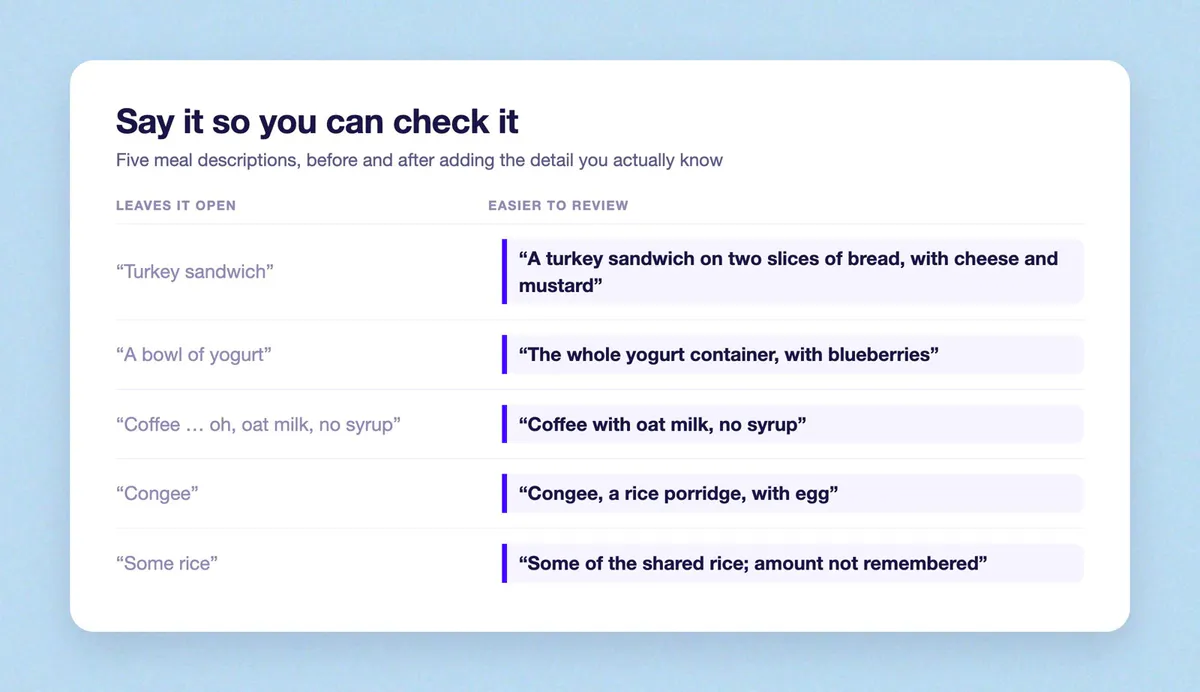
- “Turkey sandwich” becomes “A turkey sandwich on two slices of bread, with cheese and mustard”
- “A bowl of yogurt” becomes “The whole yogurt container, with blueberries”
- “Coffee … oh, oat milk, no syrup” becomes “Coffee with oat milk, no syrup”
- “Congee” becomes “Congee, a rice porridge, with egg”
- “Some rice” becomes “Some of the shared rice; amount not remembered”
Say the food, then add the detail you know
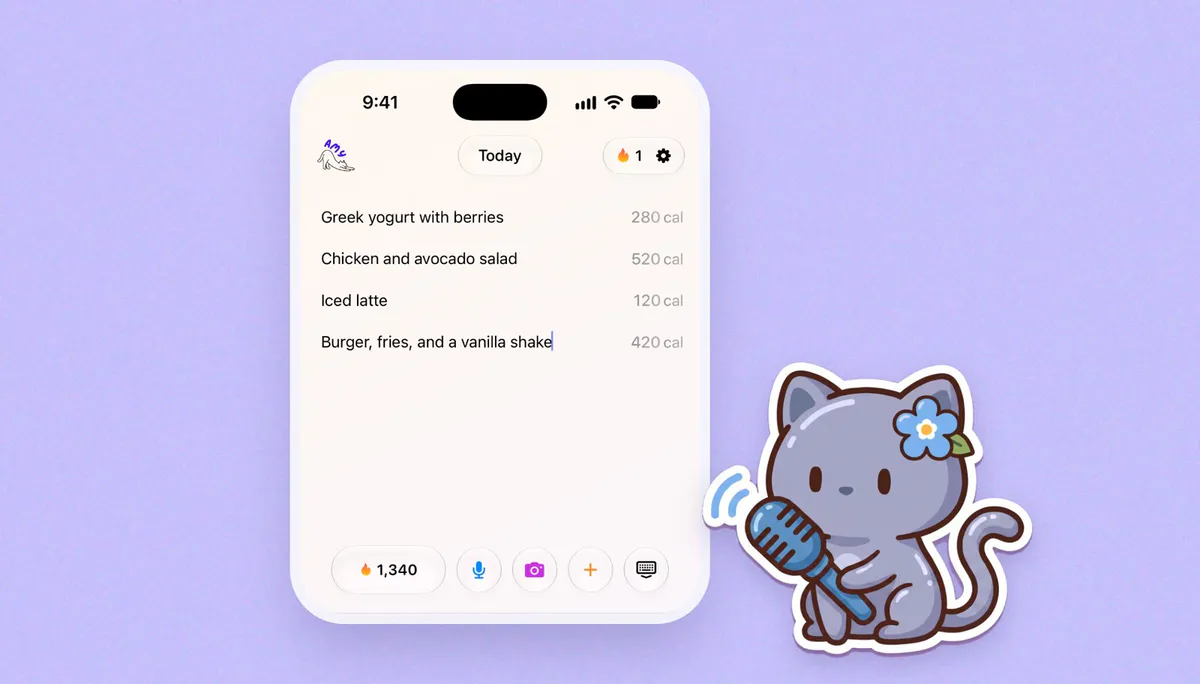
Start with the main food and drink. Add ingredients, an amount or an order detail when they help identify what you ate.
For example, “turkey sandwich” leaves more open than:
A turkey sandwich on two slices of bread, with cheese and mustard. Also a small bag of chips.
You can add the bread brand or packet size if you have them. If you do not, the sentence can stop there. Voice logging does not require a formal inventory or a calorie value spoken at the end.
Amounts work best when their meaning is clear. “The whole yogurt container” refers to something you can check. “A bowl of yogurt” leaves the bowl size open. A measurement you took is useful; one you invent while speaking is still a guess.
Keep changes close to the food they describe. “Coffee with oat milk, no syrup” is easier to review than a long account that mentions the drink near the beginning and its modifications after several other foods.
For an unfamiliar dish name, include a few descriptive words. “Congee, a rice porridge, with egg” gives you more to recognize in the transcript if the name is captured incorrectly. Use the actual dish name too, then check both parts.
Read the words before checking the estimate
The first review is a reading task. Look at quantities, ingredients and words that change the meaning of an order.
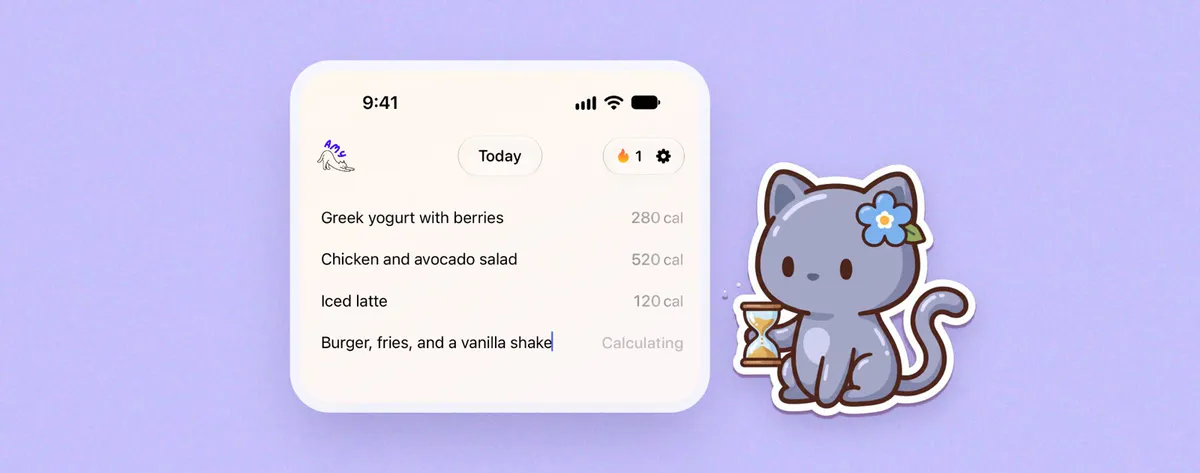
In the toast example, you would want to see two slices, peanut butter, coffee and oat milk. If “oat milk” became “whole milk,” correct the words. If “without cheese” lost its first word, restore it before treating the entry as a description of your sandwich.
You do not have to repeat the entire recording to fix one word. Use whichever editing method makes the correction clear. In a noisy café, typing the milk name may be less work than trying the same sentence several more times.

A good transcript can still describe an uncertain portion. If the words say “a bowl” and that is what you said, speech recognition has not failed. You can add a known amount or leave the bowl as a rough description. Repeating it more clearly will not establish its weight.
This distinction helps when something looks wrong: fix the words you did not mean, then inspect assumptions made from the words you did mean. The AI estimate guide covers that second review.
Choose the phone or Watch for the entry in front of you
iPhone vs Apple Watch at a glance

| iPhone | Apple Watch | |
|---|---|---|
| How you speak | Dictation | Voice meal logging |
| Best for | Long ingredient lists and label checks | A short, familiar meal |
| Fixing a word | Type the correction | Easier on the phone |
| Before saving | Read the words, then the estimate | Review calories and macros |
| Saved meals | Reuse a meal you already checked | Add saved meals from the Watch |
On Apple Watch, Amy lets you log a meal by voice and review its calories and macros before saving. You can also add saved meals from the Watch. Amy on the App Store.
A short, familiar meal can suit that smaller screen:
One container of vanilla yogurt, the whole container, with blueberries added.
A homemade dinner with a long ingredient list may be easier to inspect on the phone. The same is true when you want to compare a result with several lines of a package label. You can decide that before you start speaking.
For a breakfast you have already saved and checked, reusing the saved meal may be more convenient than dictating it again. Choose voice when today’s description is the useful part; choose the saved version when the food repeats.
Use the Watch for a short meal you can say in one breath, like a yogurt with blueberries.
Use the iPhone for a long homemade dinner, a label comparison or a meal from yesterday. Use a saved meal for the breakfast you repeat.
Keep a shared meal understandable
Shared dishes can turn a voice note into a long story about the table. Describe what belongs in your entry.
My plate had rice, tofu and broccoli. I also ate two of the dumplings we shared.
That is easier to review than listing every dish on the table and trying to subtract the ones you did not have. If you do not remember the amount, say so. “Some of the shared rice; amount not remembered” keeps the uncertainty attached to the right food.
Separate descriptions can help when foods were eaten at different times. A lunch and an afternoon snack need not become one long spoken entry just because you remember both at once.
When you remember lunch later
On iPhone, choose the journal day you want to record before entering a past meal. Saying “yesterday’s lunch” explains the meal in words; check the selected day as well. After saving, look for the entry on that day.
If you were interrupted or did not see a completed entry, inspect the journal before submitting again. You may need to retry, or the meal may already be there.
Forgetting a detail does not mean you need another recording. “Cheese sandwich from the café, coffee size not remembered” is something you can read honestly a week later. The extra sentence to add is the one you remember, not the one that makes the record look complete.
Keep Reading
All articlesGuides
The Easiest Calorie Tracker App Is the One You Will Actually Use
The easiest calorie tracker app is not always the most powerful one. Learn how to choose a low-friction tracker by logging style, meal type, and habit fit.
Guides
Why People Quit MyFitnessPal (And What To Use Instead)
MyFitnessPal is still powerful, but many people leave because daily logging feels heavy. Here is what breaks down, what to try instead, and when to keep using it.
Guides
Apple Notes Calorie Tracker: The Simple Way to Log Food
How to use Apple Notes as a calorie tracker, where the manual method breaks, and when a notes-style calorie app starts to make sense.
Guides
Best Calorie Trackers for Homemade Meals Without Fake Precision
Compare calorie trackers for homemade meals and choose cooked yield, equal servings, or an honest estimate—without inventing precision.