Apple Notes Calorie Tracker: The Simple Way to Log Food
How to use Apple Notes as a calorie tracker, where the manual method breaks, and when a notes-style calorie app starts to make sense.

Chris Raroque
Updated

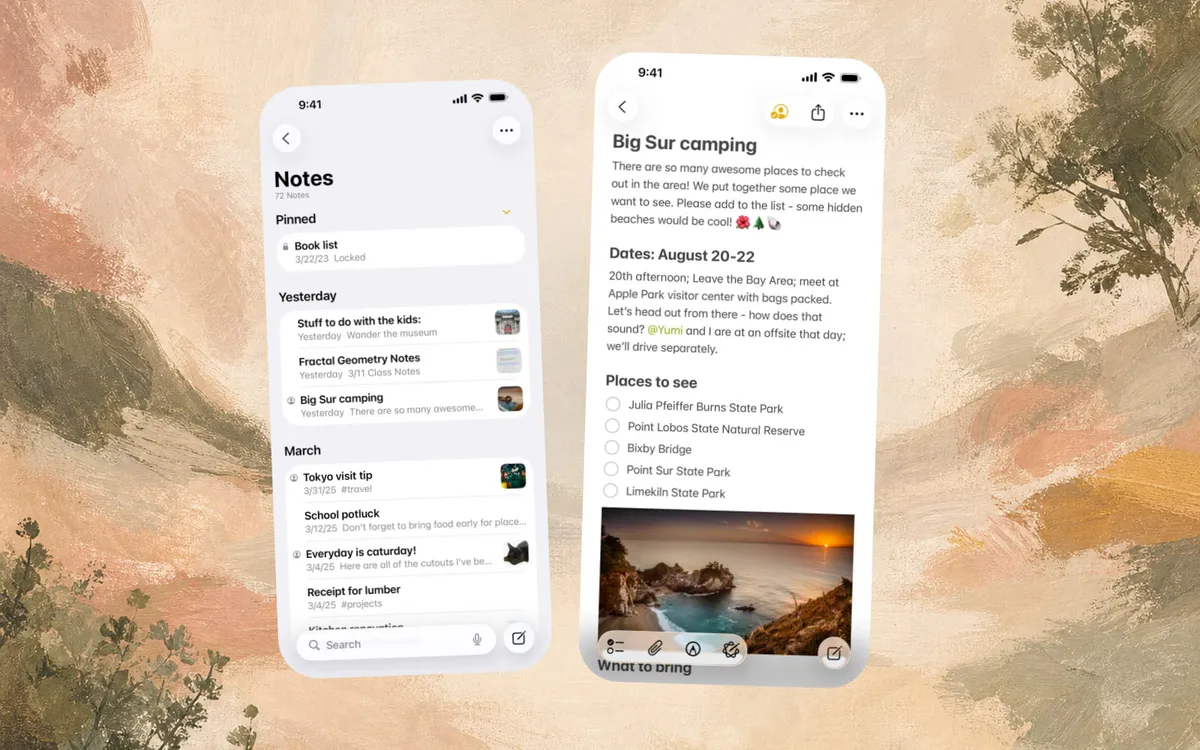
Apple Notes makes a surprisingly good calorie tracker. Better than it has any right to be.
Open a note, write what you ate, add a rough calorie number if you know it, and keep going. No database search. No serving-size dropdown. No premium screen between you and lunch.
For a lot of people, that is the whole appeal. The input feels normal. You are not operating a nutrition database. You are leaving yourself a useful trace.
The catch is that Apple Notes will not do the nutrition work. Writing “chicken bowl” takes two seconds. Figuring out whether it was 650 or 950 calories, then adding up the day after dinner, is where the habit quietly dies.
The Short Answer
Yes, you can use Apple Notes as a calorie tracker. It works best as a free, low-friction food log where you write meals in normal language and add rough calories yourself.
It starts to fall apart when you want automatic totals, protein, macros, saved meals, barcode scanning, restaurant estimates, or any kind of weekly nutrition view.
If you are deciding what to use, the split is simple:
| What You Want | Best Fit |
|---|---|
| Free manual food diary | Apple Notes |
| Rough awareness without another app | Apple Notes |
| Automatic calories and macros | A notes-style calorie app |
| Barcode scanning and photos | A dedicated calorie tracker |
| Detailed database search and web/Android support | MyFitnessPal, Cronometer, or Lose It |
Apple Notes is a great test. If the writing habit feels good but the math feels annoying, that is the signal to move to a notes-style tracker.
Quick Setup
To use Apple Notes as a calorie tracker:
- Create one note called
Food LogorCalories. - Add the date at the top each morning.
- Write each meal in plain language.
- Add rough calories when you know them.
- Add the day total at night.
- Keep one short notes line for hunger, energy, or patterns you noticed.
That is the whole system. Apple’s Notes user guide covers the basics of creating notes, formatting text, adding checklists, and attaching photos, but for food tracking you want the lightest possible version.
The Basic Apple Notes Method
If you want to try calorie tracking in Apple Notes, keep it painfully simple.
Use one short daily format:
June 24
Breakfast - eggs, toast, coffee with oat milk - 430 cal
Lunch - chicken bowl with rice, beans, salsa, guac - 780 cal
Snack - Greek yogurt and berries - 210 cal
Dinner - pasta with chicken and salad - 690 cal
Total: 2,110 cal
Protein: roughly 125g
That is enough to start noticing patterns, which is the actual point. You do not need ten columns, color coding, or a perfect macro spreadsheet on day one. The habit has to be easy enough that you still do it when you are tired.
If you are brand new to this, pair the note with our food journal template, or read how to start a food journal before you add calorie targets.
Why Apple Notes Works
Most calorie tracking apps fail in the same place: the first few seconds after you decide to log something.
You open the app. You search for a food. You choose between ten nearly identical entries. You adjust the serving. You remember there was sauce. You wonder whether the rice was one cup or one and a half cups. By the time the meal is logged, the tiny task has become a chore.
Apple Notes skips all of that.
You can write one normal sentence:
Chipotle bowl, chicken, white rice, black beans, corn, cheese, guac
and move on.
That looseness is the point. It is why the method survives for people who have bounced off every “proper” tracker. It respects the real moment: you are not trying to audit lunch like an accountant. You are trying to leave a useful trace.
If you later need the calorie estimate for that specific order, our Chipotle calorie calculator can help. But the habit itself starts with the simplest possible action: write the meal down.
Where Apple Notes Breaks
The Notes method usually breaks in the same few places.
1. You Still Have To Estimate Calories
You can search restaurant nutrition pages, ask ChatGPT, use a calorie website, or guess from memory. All of those work sometimes. None of them feel as frictionless as the note itself.
This is the main tradeoff: Apple Notes makes logging easier, but it does not make nutrition easier.
2. Daily Totals Get Old Quickly
One meal is easy to add up. A whole day is more annoying.
You have to total breakfast, lunch, dinner, snacks, drinks, cooking oil, and the random handful of crackers that somehow deserves a line item. If you change an estimate later, the total changes too.
This is usually the point where the note stops being a clean food log and starts becoming homework.
3. Macros Are Too Much Manual Work
Calories are already a lift. Protein, carbs, fat, fiber, and sodium make the note more useful, but also much slower to maintain.
For a lot of people, protein is the only macro worth tracking at first. Even then, manually estimating protein for every meal adds another layer of effort. If you are ready to go deeper, our how to track macros guide explains the full setup.
4. Search Is Not The Same As Nutrition History
Apple Notes can search text, which is useful. But it is not a nutrition dashboard.
You cannot easily see your average calories for the week, repeat a common meal with its nutrition attached, compare protein by day, or see whether your weekdays look different from weekends.
That is fine if all you want is a lightweight diary. It becomes limiting if the log is supposed to help you make decisions.
A Better Apple Notes Template
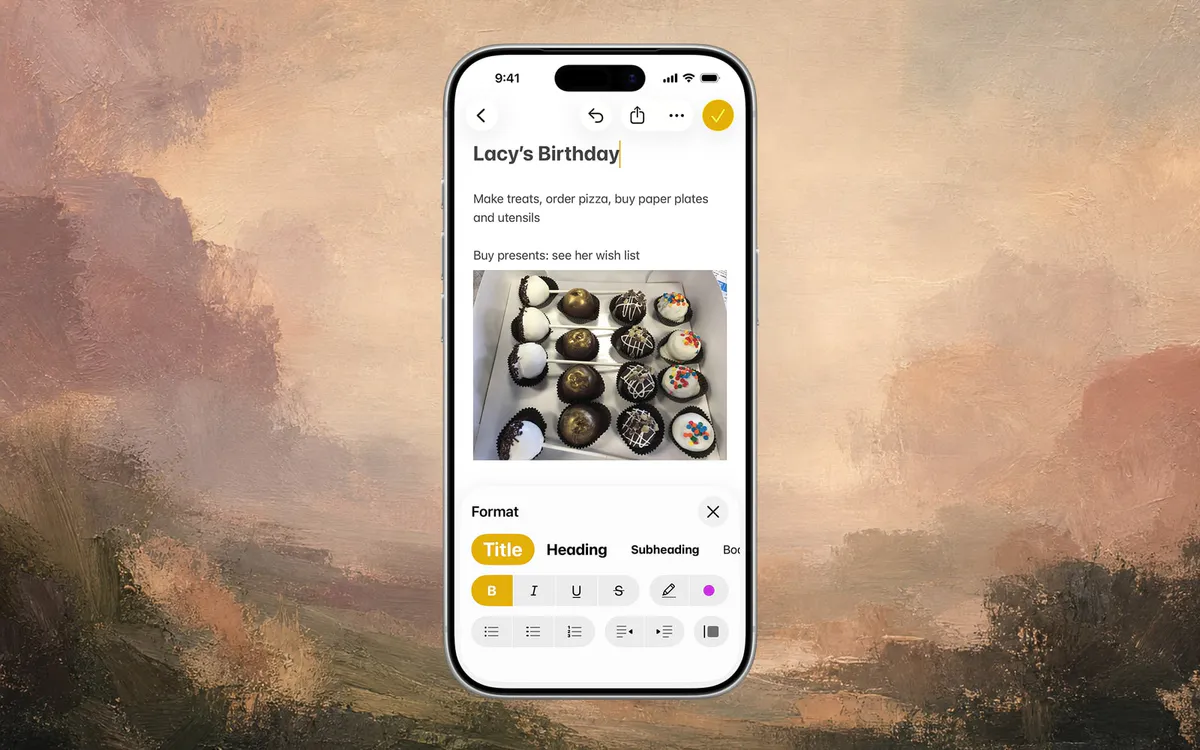
If you are going to use Apple Notes, use a format that gives you structure without making the habit fragile.
June 24
Target: 2,100 cal / 130g protein
9:10am - eggs, sourdough, coffee with oat milk
12:45pm - Chipotle bowl, chicken, rice, beans, corn, guac
3:30pm - protein bar
7:10pm - salmon, rice, broccoli, olive oil
Rough total:
Protein:
Notes: hungry after lunch, dinner was filling
The timestamp helps you notice patterns. The notes line gives you something calorie apps often miss: context. Maybe 2,100 calories works fine when lunch has enough protein, but feels miserable when breakfast is just coffee and a pastry.
Do not overbuild the template. If the note starts to look like a spreadsheet, you have recreated the app friction you were trying to avoid.
A Two-Day Test
Before you commit to a new calorie app, run a very small test.

On day one, use Apple Notes. Write meals quickly and estimate calories only when it feels easy. Do not try to make the note perfect.
On day two, try any tracker that supports faster logging. It could be a database app, an AI calorie counter, or a notes-style app that lets you type the same kinds of meals in normal language.
At the end, ask one question:
Which method would I still do when I am tired?
That answer matters more than the feature list.
Who Should Use Apple Notes
Use Apple Notes if:
- You want a free food log.
- You only need rough awareness.
- You do not care much about macros.
- You are okay estimating calories yourself.
- You want the lowest possible commitment.
Move beyond Apple Notes if:
- You want calories and macros calculated automatically.
- You have quit traditional trackers because logging took too long.
- You want food history, daily totals, photos, or barcode support.
- You want the log to help you make decisions, not just store text.
If your priority is a free app with more structure than Notes, read our guide to free calorie tracking apps with no subscription. If you want photo-based logging, our AI calorie counter apps guide is the better next read.
The Real Decision

Start with Apple Notes if you are not sure you even want to track food.
Use it for a week. Write down meals without judging them. Add rough calories when you can. See whether the act of logging changes your awareness.
If the habit feels useful but the math gets annoying, that is the moment to look for a tool that keeps the easy part and removes the arithmetic. Amy is one option there: it keeps the plain-language, notes-like input, then calculates the totals for you.
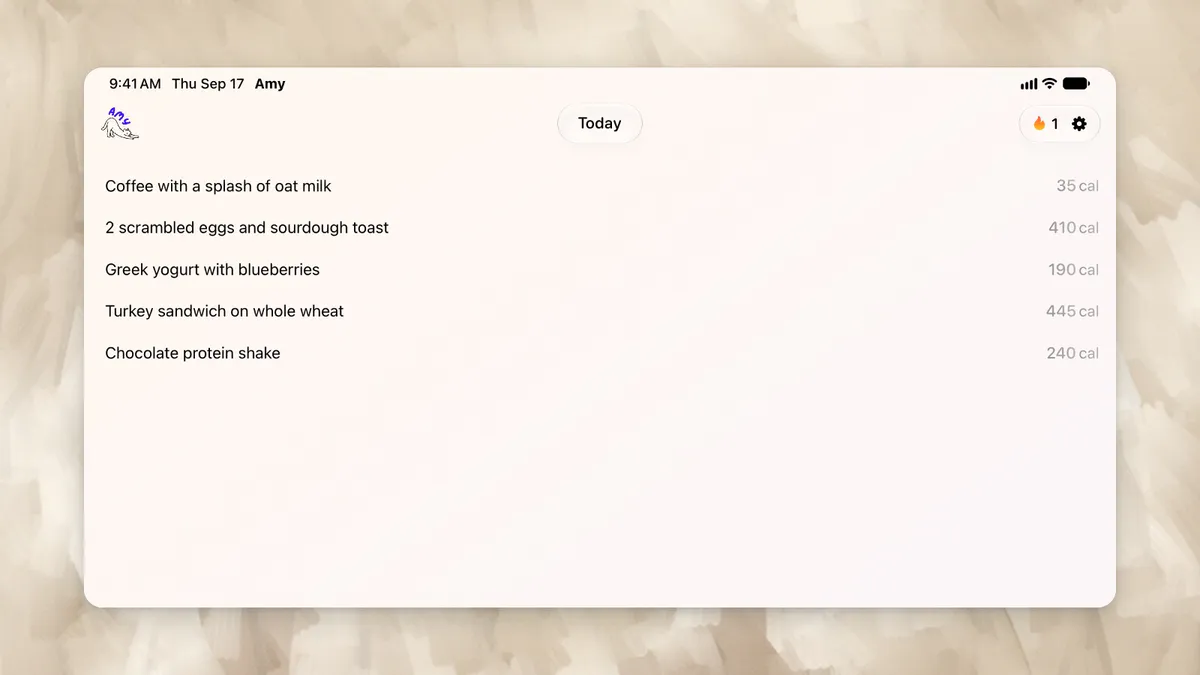
But the bigger point is not the app. The goal is to make calorie tracking small enough that you can keep doing it on an ordinary day.
Frequently Asked Questions
Can I use Apple Notes as a calorie tracker?
Yes. Apple Notes works as a manual calorie tracker if you write down your meals, estimate calories, and add up your daily total yourself. It is simple and free, but it does not calculate nutrition automatically.
What is the easiest Apple Notes calorie tracker template?
The easiest template is one note per day with meals, rough calories, and one short notes line. For example: breakfast, lunch, snack, dinner, total calories, protein, and any hunger or energy notes. Avoid adding too many fields at first.
Does Apple Notes calculate calories?
No. Apple Notes can store your food log, but it does not calculate calories, macros, or daily totals for you. You have to estimate nutrition manually or use another tool.
Is there a calorie app like Apple Notes?
Yes. Some newer calorie trackers are built around plain-language food logging instead of database search. The idea is that you type what you ate in normal language, and the app estimates calories and macros automatically.
Is Apple Notes better than a calorie tracking app?
Apple Notes is better if you want a free, manual, low-pressure food diary. A calorie tracking app is better if you want automatic totals, saved foods, macros, barcode scanning, photos, or progress over time.
What should I track besides calories?
If you only track one extra thing, track protein. It is usually more useful than trying to track every macro perfectly from day one. Once the habit feels easy, you can add carbs, fat, fiber, or meal timing.
Keep Reading
All articlesGuides
How to Describe a Meal When You Log Food by Voice
What to say when you log a meal by voice, how to check the words before the estimate, and when to use your iPhone or Apple Watch in Amy.
Guides
The Easiest Calorie Tracker App Is the One You Will Actually Use
The easiest calorie tracker app is not always the most powerful one. Learn how to choose a low-friction tracker by logging style, meal type, and habit fit.
Guides
Why People Quit MyFitnessPal (And What To Use Instead)
MyFitnessPal is still powerful, but many people leave because daily logging feels heavy. Here is what breaks down, what to try instead, and when to keep using it.
Reviews
Best Calorie Tracker App in 2026: What Actually Matters
The best calorie tracker app depends on the logging habit you can keep. Compare Amy, MyFitnessPal, Cronometer, Lose It, MacroFactor, Cal AI, Foodnoms, and more.