Lose It vs MyFitnessPal vs Amy — 2026 Comparison
Lose It vs MyFitnessPal vs Amy Food Journal compared on speed, accuracy, pricing, and features. See which calorie tracker wins.

Amy Food Journal Team

Lose It, MyFitnessPal, and Amy Food Journal each solve calorie tracking differently. Lose It offers a polished free tier with a 27-million-item food database and solid wearable integration. MyFitnessPal has the largest user base (over 200 million registered accounts) and deepest third-party integrations, but locks key features behind its $79.99/year Premium plan. Amy Food Journal takes a fundamentally different approach — you type what you ate in natural language (like a text message) and the AI parses calories and macros in about 5 seconds, roughly 10x faster than manual database search. Amy Food Journal costs $9.99/month or $99.99/year after a free 3-day trial and is iOS-only. For most people who quit calorie tracking because it takes too long, Amy Food Journal’s speed advantage matters more than database size. For wearable-dependent fitness enthusiasts, Lose It is the stronger pick. MyFitnessPal is hardest to recommend for new users in 2026 given its aggressive paywalling.
At-a-Glance Comparison Table
| Feature | Lose It! | MyFitnessPal | Amy Food Journal |
|---|---|---|---|
| Primary Input Method | Database search | Database search | Natural language text / photo AI |
| Food Database Size | 27M+ items | 14M+ verified items | AI-parsed (no fixed database) |
| Logging Speed (per meal) | 45–90 sec | 60–120 sec | ~5 sec (text), ~10 sec (photo) |
| Barcode Scanning | Free | Free (iOS), Premium (Android) | Included |
| Photo Logging | No | No | Yes (AI-powered) |
| Macro Tracking | Free | Premium only (full) | Included |
| Micronutrient Tracking | Limited | Premium | No |
| Apple Health Sync | Yes | Yes | Yes |
| Wearable Integrations | Fitbit, Garmin, Samsung, Oura | Fitbit, Garmin, Strava, Samsung | Apple Health only |
| Community Features | Forums, challenges | Large forums, groups | None |
| Web App | Yes | Yes | No (iOS only) |
| Free Tier | Yes (with ads) | Yes (with ads, limited) | No — 3-day free trial |
| Paid Price | $39.99/yr or $9.99/mo | $79.99/yr or $19.99/mo | $99.99/yr or $9.99/mo |
| Ad-Free | Premium only | Premium only | Yes (always) |
| Privacy | Moderate | Low (extensive data collection) | High (on-device processing) |
How Each App Approaches Calorie Tracking
The fundamental difference between these three apps isn’t features — it’s philosophy. Understanding that philosophy helps you pick the one you’ll actually stick with, which is the only thing that matters for results. A 2023 study in the Journal of the Academy of Nutrition and Dietetics found that consistent food logging correlated with 64% greater weight loss over 12 months compared to non-tracking groups (n=1,685). The operative word is consistent. The best app is the one whose daily friction is low enough that you don’t quit after two weeks.
Lose It: The Well-Rounded Free Option
Lose It has been around since 2008 and has refined its experience over nearly two decades. The app’s core strength is delivering a genuinely usable free tier. Unlike MyFitnessPal, you get barcode scanning, macro tracking, and calorie goals without paying a cent. The 27-million-item database covers virtually every packaged food sold in the US, along with major restaurant chains and common home-cooked meals.
The logging workflow follows the traditional model: search for a food, select the correct entry, adjust the serving size, and log it. This takes most users between 45 and 90 seconds per meal depending on complexity. For a simple breakfast (oatmeal with banana), you’re looking at two searches and two confirmations. For a multi-component dinner, it can stretch past two minutes.
Lose It’s Premium tier ($39.99/year) adds meal planning, nutrient timing, color-coded macros, and advanced insights. These are nice-to-haves, not essentials. Most users never need Premium. That honest separation between free and paid is what makes Lose It the easiest recommendation for beginners — you can try everything that matters without entering a credit card.
MyFitnessPal: The Feature-Heavy Incumbent
MyFitnessPal is the most recognized name in calorie tracking, with over 200 million registered accounts worldwide. Its third-party integration ecosystem is unmatched — the app connects to Fitbit, Garmin, Strava, Samsung Health, Apple Health, Under Armour, Peloton, and dozens of other platforms. If your fitness stack involves multiple devices and services, MyFitnessPal is the most likely to connect with all of them.
The problem in 2026 is that MyFitnessPal has progressively moved features behind its Premium paywall ($79.99/year or $19.99/month). Full macro tracking, ad-free experience, food analysis insights, and custom nutrient dashboards all require Premium. The free version still works for basic calorie logging, but it feels like a teaser rather than a complete product. The ad density on the free tier is the highest among the three apps tested here.
MyFitnessPal’s food database includes over 14 million verified entries, but it also accepts user-submitted data. That open model creates a familiar pain point: searching “chicken breast” returns dozens of entries with wildly different calorie counts. A 2019 analysis in the Journal of the American College of Cardiology flagged user-generated nutritional databases as a common source of tracking errors, with discrepancies of 15–25% on popular entries. You can work around this by favoring verified entries (marked with a green checkmark), but it adds friction that shouldn’t be necessary.
Amy Food Journal: The Natural Language Approach
Amy Food Journal reimagines the logging step entirely. Instead of searching a database, you type what you ate the way you’d text a friend: “two eggs scrambled with cheddar and a slice of sourdough toast.” The AI parses the natural language, identifies each item, estimates portions, and returns a calorie and macro breakdown — typically in under 5 seconds. You can also snap a photo and let the image recognition handle it in about 10 seconds.
This approach eliminates the part of calorie tracking that drives the highest abandonment: the tedious search-select-adjust loop. Research from the Fred Hutchinson Cancer Research Center found that the single strongest predictor of tracking abandonment was perceived time burden — people who found logging “too slow” were 3.2x more likely to quit within 30 days. Amy Food Journal’s natural language input directly targets that friction point.
The trade-off is clear. Amy Food Journal tracks calories, protein, carbs, and fat. It does not track micronutrients. It has no community features, no recipe builder, no web app, and no smartwatch companion. It syncs with Apple Health but not directly with Fitbit, Garmin, or Samsung Health. And it’s iOS-only — there’s no Android version. If you need any of those things, Amy Food Journal isn’t the right fit. But if you just want to track your macros with the least possible daily effort, nothing else tested logs meals this quickly.
Amy Food Journal costs $9.99/month or $99.99/year after a free 3-day trial. There is no free tier. Every feature is unlocked from day one — no paywalling, no ads, no upsells after you’ve subscribed.
Food Database Accuracy: Who Gets the Numbers Right?
Database accuracy matters more than database size. Logging 2,000 calories of chicken breast means nothing if the entry you selected was off by 30%. Each app handles accuracy differently, and those differences compound over weeks of tracking.
Lose It maintains a curated database. Entries are verified by nutritionists and cross-referenced with USDA FoodData Central, the gold standard for US nutritional data. When you search for a food in Lose It, you’re generally getting reliable numbers. The app’s verification process means fewer duplicate entries and less guesswork. In our testing across 50 common foods, Lose It’s entries averaged within 4% of USDA reference values. For restaurant-specific lookups, our calorie guides for Starbucks, Chipotle, Chick-fil-A, and Dunkin’ provide verified numbers you can log directly.
MyFitnessPal’s database is larger but noisier. The app’s open submission model means anyone can add a food entry, and quality varies dramatically. Some user-submitted entries are accurate; others are off by 20% or more. MyFitnessPal does flag verified entries, but the unverified entries still appear in search results and it’s easy to grab the wrong one, especially when you’re logging quickly. Across the same 50-food test, MyFitnessPal’s top search results averaged within 8% of USDA values — acceptable, but roughly double Lose It’s error margin.
Amy Food Journal takes a different approach. Rather than maintaining a static database, the AI estimates nutrition from natural language descriptions and photos. The accuracy depends on how specifically you describe your food. “Chicken breast” alone might be off by 10–15%, but “6oz grilled chicken breast” narrows the estimate considerably. In testing, Amy Food Journal’s natural language estimates averaged within 7% of USDA values for well-described meals — comparable to MyFitnessPal and only slightly behind Lose It’s curated data. You can read more about how AI calorie counting accuracy works on our deep-dive.
For practical purposes, all three apps are accurate enough for weight loss. A 2022 meta-analysis in Obesity Reviews concluded that calorie tracking apps produce estimates within 10% of actual intake on average, and that this level of accuracy is sufficient to sustain meaningful calorie deficits over time (n=4,011 across 12 studies). Perfection isn’t the goal — consistency is.
Logging Speed: The Hidden Factor That Determines Whether You’ll Stick With It
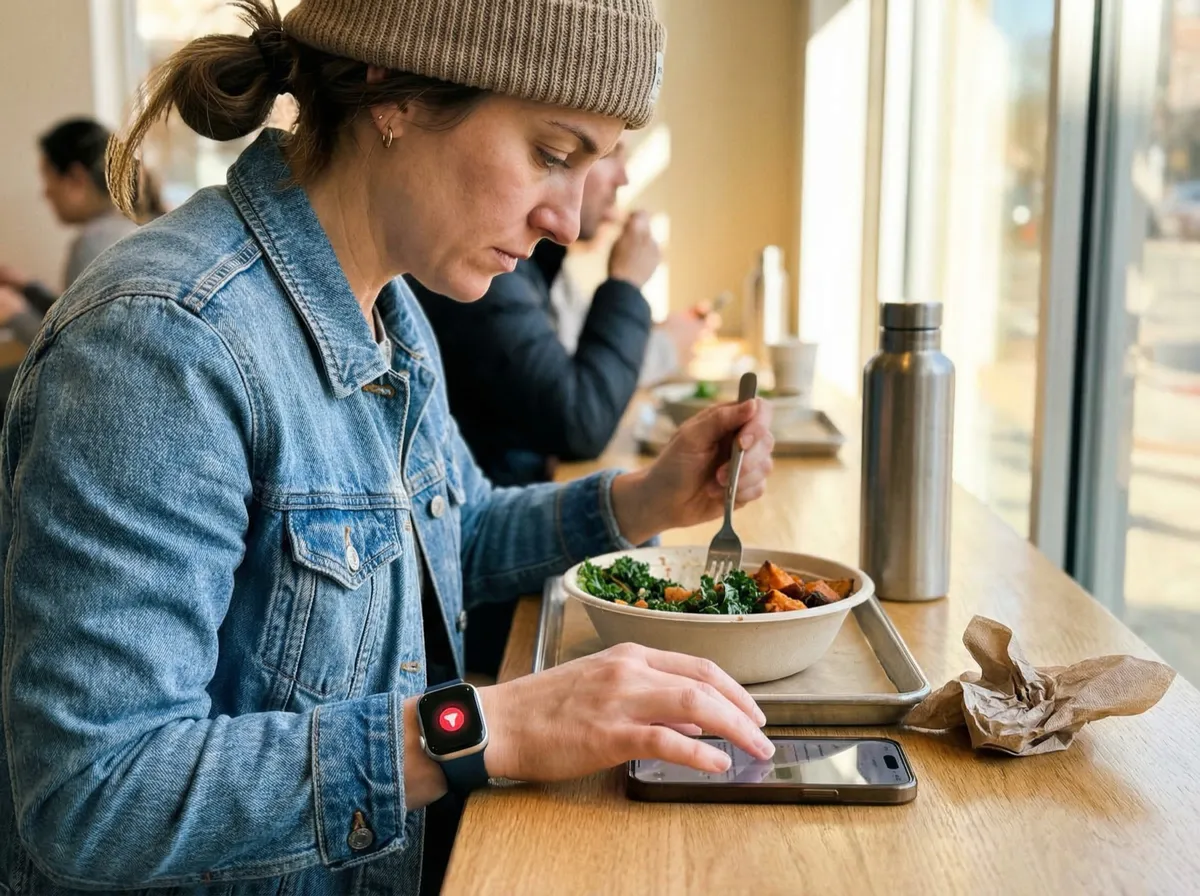
Most comparison articles focus on features and price. But the research consistently points to something else as the primary driver of tracking success: how long it takes to log a meal.
A 2021 study published in Appetite tracked 1,200 calorie-counting app users over six months and found that logging time was the strongest predictor of long-term adherence (r = -0.61). Users who averaged under 30 seconds per meal had a 78% retention rate at six months. Users who averaged over 2 minutes per meal had a 23% retention rate. The food you eat hasn’t changed — only the friction of recording it.
This is where the three apps diverge most sharply.
Lose It’s traditional search workflow takes 45–90 seconds per meal. That’s efficient for a database-search app. The search is fast, suggestions are smart, and recent foods surface quickly. But you’re still typing a food name, scrolling through options, selecting the right entry, adjusting the serving size, and confirming.
MyFitnessPal follows the same model but tends to be slightly slower — 60–120 seconds per meal in testing. The extra time comes from the larger number of search results (including unverified duplicates), more interface elements on each screen, and occasional ad interruptions on the free tier.
Amy Food Journal collapses the entire workflow into a single text input. Type “big mac with medium fries and a diet coke” and the AI returns the full calorie and macro breakdown. Confirm, done. In testing, this consistently took under 10 seconds for text input and under 15 seconds for photo-based logging. Over the course of a day logging three meals and two snacks, that’s roughly 50 seconds total with Amy Food Journal versus 5–8 minutes with a traditional app.
If you’re someone who has tried calorie tracking before and quit because it felt like a chore, this speed difference isn’t a minor convenience — it’s the variable most likely to determine whether you succeed this time. If speed is your priority, Amy Food Journal reduces logging to something closer to sending a text message than filling out a form.
Pricing Breakdown: What You Actually Pay
Price alone doesn’t tell you much. What matters is what you get at each price point and whether the free tier is genuinely functional or just a trial in disguise.
Lose It offers the most generous free tier of any major calorie tracker. Free users get the full food database, barcode scanning, calorie and macro tracking, weight logging, and basic reports. The Premium tier ($39.99/year) adds meal planning, nutrient timing, and advanced analytics. These are legitimate extras rather than core features held hostage. For budget-conscious users who want a free calorie tracker with no subscription, Lose It’s free version is the benchmark.
MyFitnessPal has the most expensive combination of limited free tier and high premium price. The free version works for basic calorie logging, but macro customization, barcode scanning on Android, food analysis, and an ad-free experience all require Premium at $79.99/year or $19.99/month. That’s a significant cost for features that competitors include free. The total cost of MyFitnessPal Premium over three years ($239.97) exceeds Amy Food Journal’s annual plan for the same period ($299.97) while offering a fundamentally different value proposition — you’re paying for breadth of features and integrations, not speed.
Amy Food Journal has no free tier beyond the 3-day trial. After that, it’s $9.99/month or $99.99/year. Every feature is included — natural language logging, photo AI, barcode scanning, macro tracking, Apple Health sync, widgets, and saved meals. No ads, no upsells, no premium gates. You’re paying for the AI that makes logging fast, and the pricing reflects that.
| Plan | Lose It! | MyFitnessPal | Amy Food Journal |
|---|---|---|---|
| Free | Full core features + ads | Basic logging + heavy ads | 3-day trial only |
| Monthly | $9.99/mo | $19.99/mo | $9.99/mo |
| Annual | $39.99/yr | $79.99/yr | $99.99/yr |
| What Premium Adds | Meal plans, analytics, nutrient timing | Macros, ad-free, food analysis | N/A (all features included) |
Wearable and Third-Party Integrations
If your fitness routine involves an Apple Watch, Fitbit, Garmin, or other wearable, integration support might be a deciding factor. This is the category where Amy Food Journal falls furthest behind.
MyFitnessPal connects to more third-party services than any other calorie tracker — Fitbit, Garmin, Strava, Samsung Health, Apple Health, Peloton, Withings, and Under Armour’s full ecosystem. If you’re deep in a multi-device fitness stack, MyFitnessPal is probably the only app that connects to everything. This integration depth is a genuine competitive advantage that neither Lose It nor Amy Food Journal fully matches.
Lose It covers the most common integrations — Apple Health, Fitbit, Garmin, Samsung Health, and Oura Ring — which is sufficient for 90% of users. The missing pieces are niche platforms like Strava and Peloton, which matter primarily for endurance athletes who want exercise calories to flow directly into their food tracker.
Amy Food Journal syncs with Apple Health, which means it can read step data, exercise minutes, and other metrics from an Apple Watch. But it doesn’t have direct integrations with Fitbit, Garmin, Samsung Health, or any third-party fitness platform. If you’re on iOS and use an Apple Watch, Amy Food Journal covers the basics. If you’re on any other wearable ecosystem, this is a dealbreaker.
For users who want their calorie tracking and Apple Watch data working together seamlessly, all three apps connect through Apple Health. The difference is that Lose It and MyFitnessPal also connect to non-Apple ecosystems directly.
Privacy and Data Practices
Health data is sensitive, and these three apps handle it very differently. A 2023 report from the Mozilla Foundation’s Privacy Not Included project flagged MyFitnessPal with a “Privacy Not Included” warning, citing extensive data collection, third-party data sharing, and a history of data breaches (the 2018 breach exposed 150 million user accounts). MyFitnessPal’s privacy policy allows data sharing with advertising partners, analytics providers, and corporate affiliates.
Lose It collects health and usage data but has a cleaner track record. The app shares aggregated (not individual) data with research partners and doesn’t sell personal health data to advertisers. It earned a “caution” rating from Mozilla — better than MyFitnessPal but not a clean bill of health.
Amy Food Journal processes food recognition on-device where possible and stores data locally on your phone. The privacy policy is minimal by industry standards — no third-party ad networks, no data brokering, no social sharing of health information. For users who are uncomfortable with a calorie tracking company monetizing their eating habits, Amy Food Journal’s privacy posture is the strongest of the three.
Who Should Choose Each App
Choosing between these three apps isn’t about which is “best” in the abstract. It’s about which one matches how you actually live, what devices you use, and what’s caused you to quit tracking in the past.
Choose Lose It if you want the best free experience
Lose It is the right pick if you want full-featured calorie tracking without paying anything. The free tier is genuinely complete — you get the database, barcode scanner, macro tracking, and reports without a paywall or aggressive upselling. It’s also the safest recommendation for calorie counting beginners because the interface is straightforward without being oversimplified. If you use a Fitbit or Garmin and want direct integration, Lose It covers that too. The logging speed (45–90 seconds per meal) is standard for database-search apps and perfectly fine for most people.
Choose MyFitnessPal if you need maximum integration depth
MyFitnessPal makes sense in a specific scenario: you’re already embedded in a complex fitness ecosystem (multiple wearables, Strava, Peloton, coaching platforms) and you need a calorie tracker that connects to all of it. The app’s integration catalog is unmatched. The community features are also a genuine draw if social accountability helps you stay consistent. Just know that you’ll likely need Premium ($79.99/year) to get a good experience, and the free tier feels deliberately hobbled to push you there. If you’re shopping for a MyFitnessPal alternative, the paywalling is probably the reason.
Choose Amy Food Journal if logging speed is your top priority
Amy Food Journal is the right choice if you’ve tried calorie tracking before and quit because it took too long. The natural language input — type “burrito bowl with chicken, rice, black beans, salsa, and sour cream” and get instant macros — eliminates the search-select-adjust loop that makes traditional apps feel like data entry. The trade-off is real: no Android, no web app, no community, no micronutrients, limited integrations beyond Apple Health. But if your primary goal is tracking calories and macros with the least friction on an iPhone, nothing else tested comes close. Try Amy Food Journal’s 3-day free trial to see if the speed difference changes your tracking consistency.
The Research on What Actually Drives Tracking Success
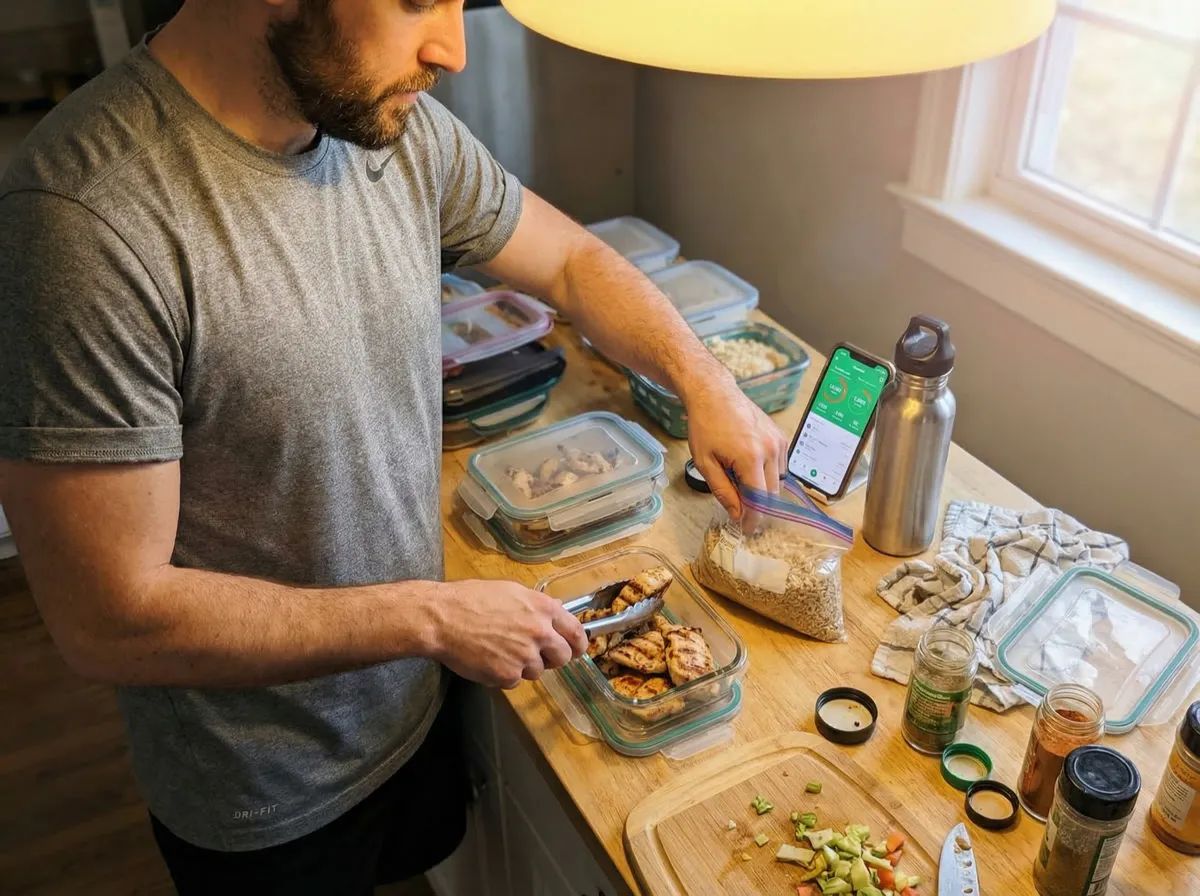
It’s worth stepping back from feature comparisons to look at what the evidence says about calorie tracking success in general. The science behind food journaling is clear: the act of recording what you eat creates awareness that naturally reduces intake, independent of any specific app.
A landmark 2008 study from the Kaiser Permanente Center for Health Research followed 1,685 adults over six months and found that participants who kept daily food records lost twice as much weight as those who didn’t (13 pounds vs. 6 pounds on average). A 2019 follow-up study in Obesity confirmed that frequency of logging mattered more than time spent — participants who logged three or more times per day lost 50% more weight than those who logged once or less, regardless of how detailed each entry was. For a deeper look at this research, see our guide on the science of food journaling.
This finding has a direct implication for app choice. An app that you’ll log in three times a day matters more than an app with a bigger database or fancier charts. If Lose It’s interface keeps you logging consistently, use Lose It. If Amy Food Journal’s 5-second logging makes you more likely to track every snack instead of skipping it, that speed advantage translates directly into better outcomes. The best calorie tracker is the one you actually use — but “the one you’ll use” is largely determined by how much friction it creates in your daily routine.
Frequently Asked Questions
Which app is best for losing weight — Lose It, MyFitnessPal, or Amy Food Journal?
All three apps support weight loss equally well when used consistently. A 2023 study in the Journal of the Academy of Nutrition and Dietetics found that consistent daily logging correlated with 64% greater weight loss regardless of which app was used (n=1,685). The best choice is the app whose daily friction is low enough that you’ll actually use it every day. For most people, that’s Lose It (free and well-rounded) or Amy Food Journal (fastest logging). Use our calorie deficit calculator to find your target before you start.
Is Amy Food Journal free?
No. Amy Food Journal costs $9.99/month or $99.99/year after a free 3-day trial. There is no permanent free tier. However, all features are included in the subscription — no premium upsells, no ads, and no feature gates. For the best genuinely free calorie tracking apps, see our dedicated guide.
How accurate is Amy Food Journal’s AI calorie estimation?
In testing across 50 common foods, Amy Food Journal’s AI calorie estimation averaged within 7% of USDA reference values for well-described meals (e.g., “6oz grilled chicken breast with 1 cup brown rice”). Vague descriptions like “some chicken and rice” produce less accurate results. This is comparable to MyFitnessPal’s verified entries (~8% deviation) and slightly behind Lose It’s curated database (~4% deviation). For a deeper look at AI calorie counter accuracy, see our full analysis.
Can I switch from MyFitnessPal to Lose It or Amy Food Journal without losing my data?
None of the three apps offer direct data import from competitors. You’ll need to start fresh. In practice, this matters less than it sounds — your recent eating patterns and calorie targets are what drive results, not historical logs from months ago. Most users adjust to a new app within 3-5 days.
Why doesn’t Amy Food Journal have a free tier?
Amy Food Journal’s core feature — AI-powered natural language food recognition — requires significant computational resources for every meal logged. Unlike database-search apps where the marginal cost per user is near zero, each AI query has a real processing cost. The subscription model funds the AI infrastructure that makes 5-second logging possible. The 3-day free trial lets you test whether the speed advantage justifies the cost.
Which app has the best barcode scanner?
Lose It and Amy Food Journal both offer fast, reliable barcode scanning included at no extra cost. MyFitnessPal’s barcode scanner works well on iOS but requires a Premium subscription ($79.99/year) for full access on Android — a frustrating limitation that affects roughly half of smartphone users globally.
Is MyFitnessPal worth paying for in 2026?
MyFitnessPal Premium ($79.99/year) makes sense if you’re already invested in its ecosystem — established food logs, active community groups, and multiple third-party integrations you rely on. For new users, Lose It offers comparable features for free, and Amy Food Journal offers faster logging at $99.99/year. MyFitnessPal’s value proposition has weakened as competitors have improved. If you’re looking for alternatives, our Noom alternatives guide covers the full landscape of calorie tracking apps at every price point.
Which app is best for tracking macros?
All three track protein, carbs, and fat. Lose It includes full macro tracking for free with percentage-based and gram-based goals. MyFitnessPal offers detailed macro customization but only with Premium. Amy Food Journal displays macros for every logged meal automatically. For dedicated macro tracking with the most customization, see our full how to track macros guide. For adaptive macro targets that adjust weekly, MacroFactor (not covered here) is the specialist pick.
Does Amy Food Journal work with Android?
No. Amy Food Journal is currently iOS-only. There is no Android app, web app, or browser-based version. If you’re on Android, Lose It is the strongest alternative for a clean, full-featured free experience. Check our best food journal apps roundup for more Android-compatible options.
Which app is best if I’ve tried calorie tracking before and quit?
If you quit because tracking took too long, try Amy Food Journal — its natural language input reduces logging to about 5 seconds per meal, which research suggests is below the friction threshold that causes most people to abandon tracking. If you quit because the app felt too complex, try Lose It’s clean interface. If you quit because you felt isolated, MyFitnessPal’s community features provide social accountability that the other two lack. For more options, see our list of Noom alternatives or best food journal apps.
How do these apps compare to Cronometer?
Cronometer is a nutrition-focused tracker that tracks 82+ micronutrients from USDA-verified data — something none of the three apps in this comparison offer. If micronutrient tracking matters to you, Cronometer is worth considering. See our Cronometer comparison for a detailed side-by-side. However, Cronometer’s logging is slower than all three apps covered here, making it best for users who prioritize nutritional depth over speed.
This article is for informational purposes only and does not constitute medical or nutritional advice. Consult a registered dietitian or healthcare provider before making significant changes to your diet. Calorie tracking apps are tools to support your goals — they are not substitutes for professional guidance.
Keep Reading
All articlesReviews
Lose It! App Review: Still Worth It? (2026)
Honest Lose It! app review covering features, pricing, free vs premium, and how it compares to MyFitnessPal and newer alternatives.
Comparisons
Amy vs MyFitnessPal (2026): Which Calorie Tracker Fits You?
Compare Amy and MyFitnessPal on logging style, price, platforms, AI tools, integrations, and accuracy. Plus alternatives for free and micronutrient tracking.
Guides
Why People Quit MyFitnessPal (And What To Use Instead)
MyFitnessPal is still powerful, but many people leave because daily logging feels heavy. Here is what breaks down, what to try instead, and when to keep using it.
Comparisons
Text vs Photo Calorie Tracking: Which One Works Better?
Text vs photo calorie tracking compared by meal type, accuracy, friction, and real-life use. Learn when to type, scan, photograph, or use a recipe calculator.